

Sell
Writing your sales pages no longer costs credits
The AI that writes and edits your pages, and the selling copy for your funnels, offers, checkout and store, no longer uses credits on a licence or Pro, within a monthly fair-use limit. Your credits go further on lessons, slides and videos.
What’s changed
Before, writing or changing a page with AI used your credits. Now page writing, AI edits, page pictures and sales copy are included with your licence or Pro.
Who gets itSchools with a licence or Pro
How it works
- Go to Page builder in the sidebar and click New page.
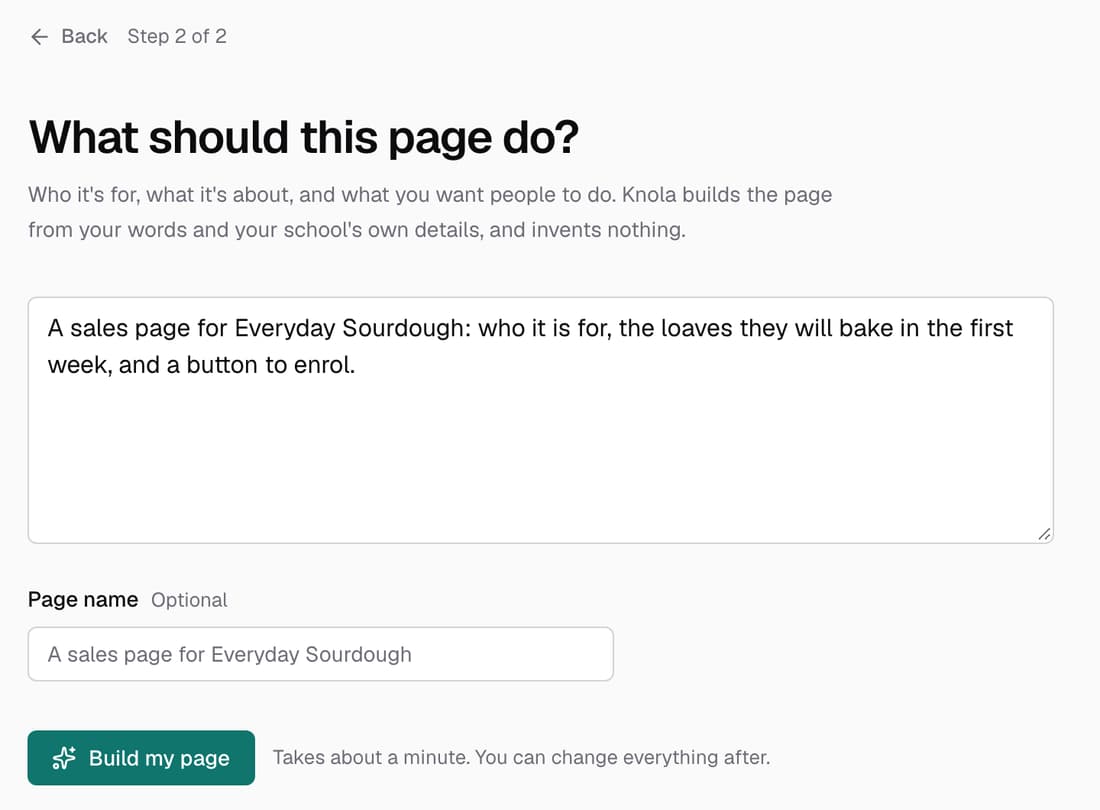
- Choose what the page is for, such as Describe it or Sell a course.
- Knola writes the page for you, with no credits used.
- To change the whole page, type in Change the whole page with AI… at the top.
- To change one part, click it and fill in What should this section do differently?
Good to know
- Free accounts don't get AI on pages. You can still build and edit pages by hand.
- If a school uses a very large amount in one month, AI help for pages pauses until the 1st. Everything you've built stays, and you can keep editing by hand.
- Pictures made for your pages are free too. AI pictures in your slides still use credits.
- Lessons, slides, quizzes, Studio documents and videos still use credits as before.