

01 / 09
The course outline
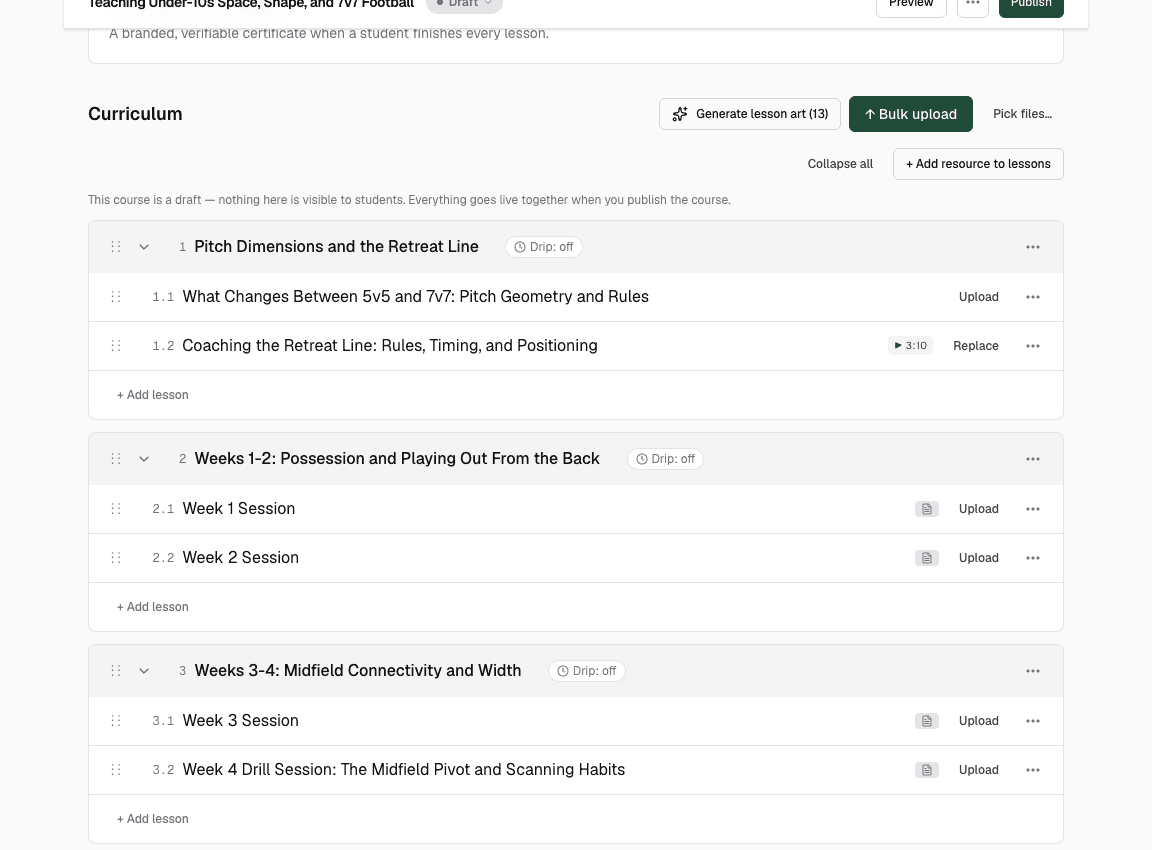
Type what you teach, or upload what you already have, and Knola drafts the modules, the lessons and the order they go in. Rename, reorder or redraft any of it.
For creators, coaches and consultants
Bring a course you already have, or just an idea. Knola writes the lessons, narrates the videos and builds your sales page and checkout.
From creators already on Knola
In their own words.
I’d been sitting on my course idea for nearly two years… I wish I had found it sooner.
 Richard A.Business owner
Investing in Knola has been the best decision ever for my creative learning business.
Knola removes the guesswork and fear, making course creation feel simple, achievable, and genuinely exciting.
 Joy Hauʻoli SutherlandCo-Founder, LVH Brands
I’ve tested many course platforms over the past few years… I now have 3 courses fully online. Amazing.
 Chris WalkerCreative Worlds
I asked a question expecting to wait days and got a real, helpful answer within the hour.
 Sophie RichardsPeaceLoveSerenity
Knola has been perfect for me as a beginner… without the worry of having to pay every single month.
I feel like there are real people who want to help, not just a support ticket system.
 Lori KantorUniversal Educational Services
…the option to produce more from it with the AI tools. It’s a solid platform with great support.
My students have even commented on how easy it is to use and it has saved me a lot of money.
How Knola works
This is how Knola works: type in what you know, and a full course comes out the other side. You never even have to turn on a camera.
From an outline to a full course ↓
Type what you know.
What do you teach?
I teach grassroots football coaches how to help under-10s move from 5v5 to confident 7v7: pitch shape, the retreat line, playing out from the back and matchday coaching.
One paragraph about what you teach.
Knola draws up the course.
Teaching Under-10s Space, Shape & 7v7 Football
Modules, lessons and the order they go in.
Every lesson gets slides.
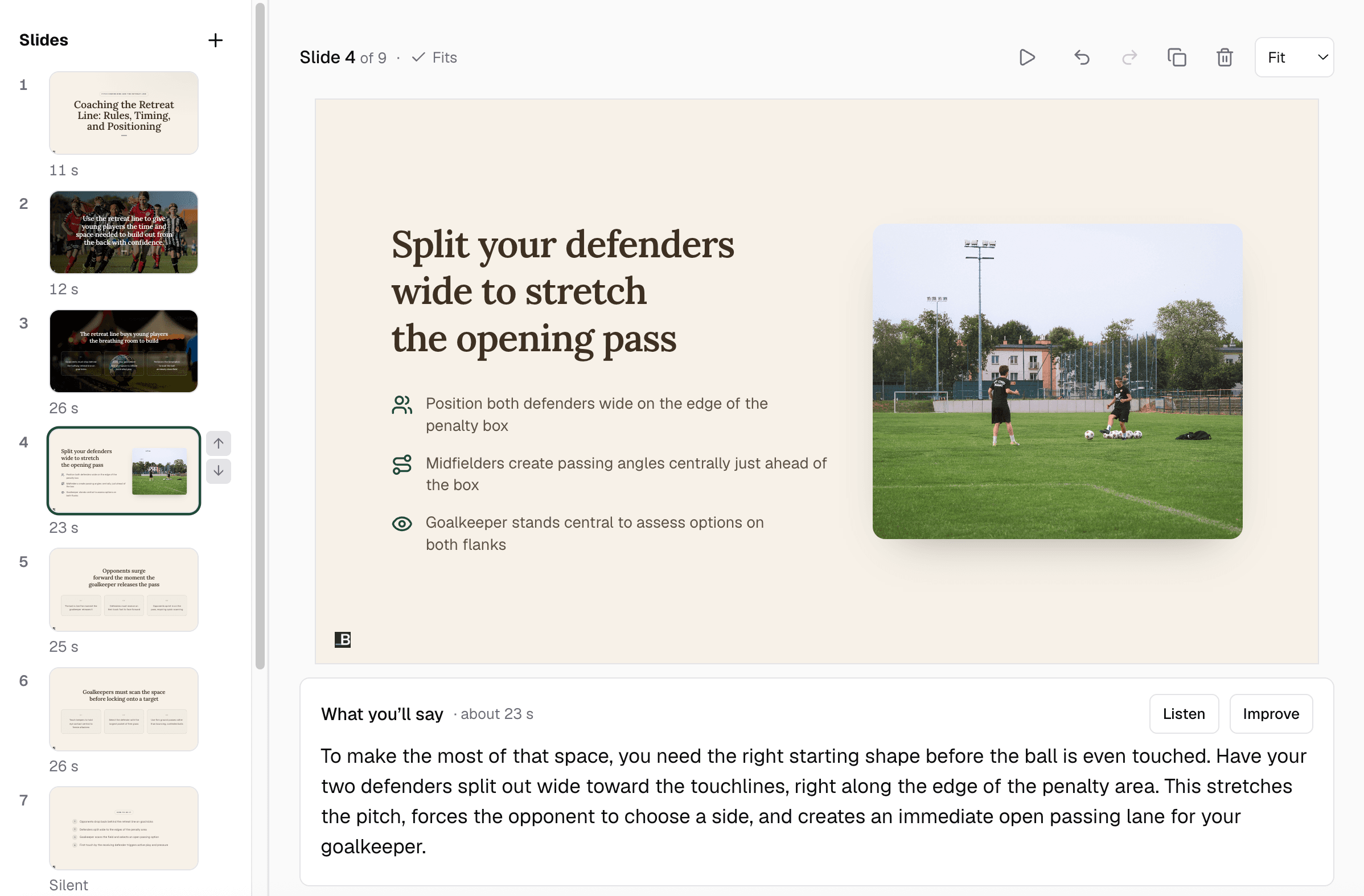
Designed on your brand, with a script under each one.
Knola narrates the video.

“The retreat line buys your players the time to build.”
An AI voice, or your own. About ten minutes a lesson.
Your sales page is written.
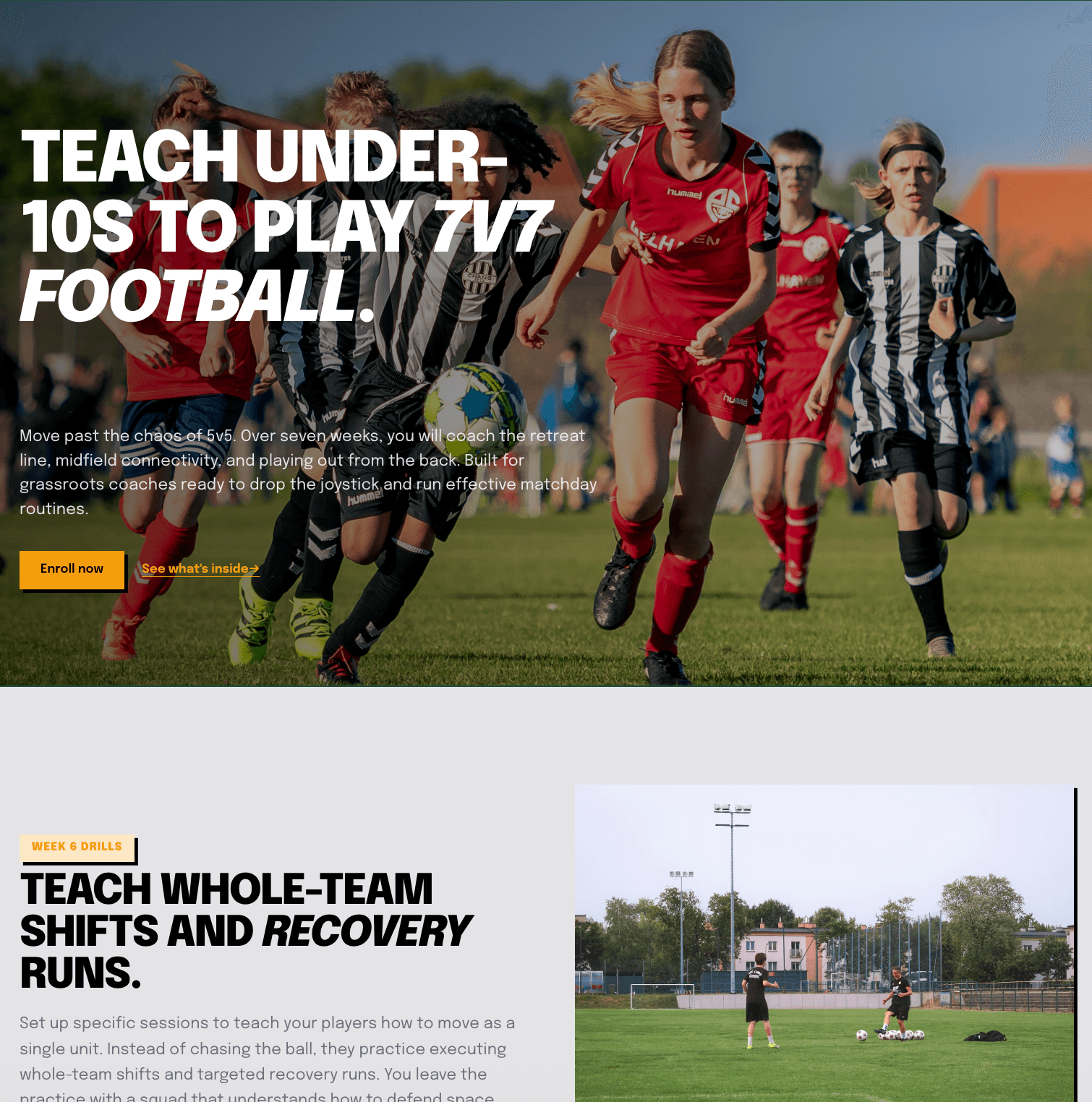
From your own content, with the checkout built in.
And then this happens.
Knolanow
New sale: $147.00
Someone just enrolled in your course.
Knola4m ago
Order bump: $27.00
Added the Matchday Checklist ebook.
Knola38m ago
Upsell: $49.00
Took the Drill Library after checkout.
Knola2h ago
New sale: $147.00
Someone just enrolled in your course.
Today · 4 sales$370.00
Sales, bumps and upsells, from a course you never recorded.
Your course, built for you
Type what you know, or upload what you’ve already made. Knola builds the rest, and it stays online with no monthly fee to keep it there.
I use Knola primarily to create educational courses focused on using AI in healthcare. … Knola has made it much easier for me to turn my expertise in healthcare, education, and AI into courses that I can share with others.
 Lori KantorUniversal Educational Services
The usual way
But that’s what starting a course costs the usual way. You rent a course platform, then the tools it doesn’t have. Every month, whether anyone buys or not. Knola is one payment, and your course stays online with no monthly fee to keep it there.
Monthly bill
The usual way
Charged again in 30 days
every month, sales or not
Knola Studio
Course, slides, narrated videos, sales page, funnel and checkout.
once, and it stays online
Knola has been perfect for me as a beginner. It’s helped me create my first course, and without the worry of having to pay every single month whilst I build out my marketing.
Kajabi Basic billed monthly, as published in September 2026. Tools are typical monthly plans for AI voice, video editing and design. Prices change; check each provider before you decide. Kajabi is a trademark of its owner, named for comparison only.
What Knola makes
Every other platform hands you an empty page and wishes you luck. Knola helps create as much or as little of your course as you want, and you can edit every part of it yourself.
Never made a course?
You’ve got the knowledge. What stopped you was 40 lessons to write, 40 lessons to record and a camera you never wanted to sit in front of. Here’s what happens to all of that.
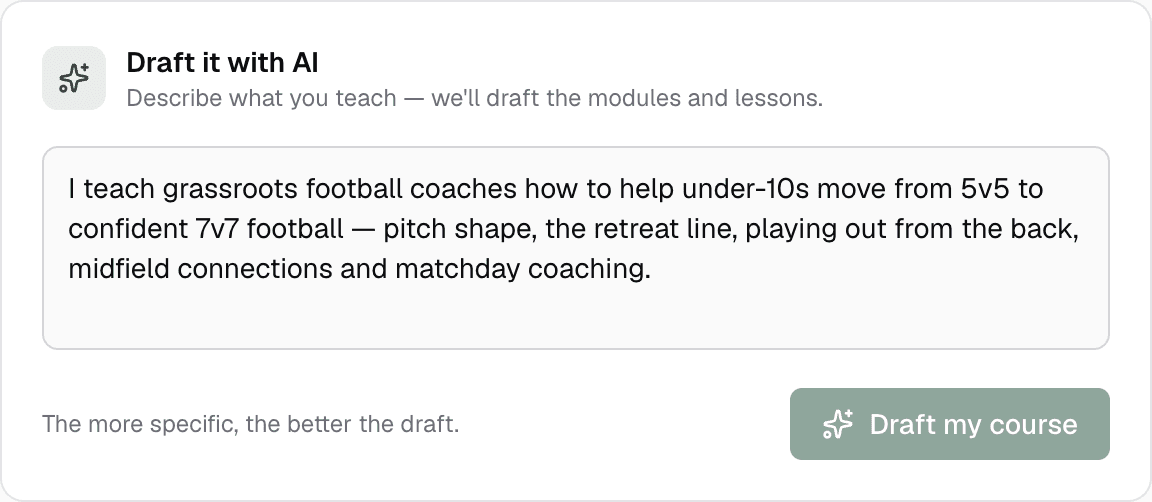
Type what you know.
A paragraph about your job, your skill or the thing friends always ask you about. Knola draws up the whole course: modules, lessons and the order they go in.
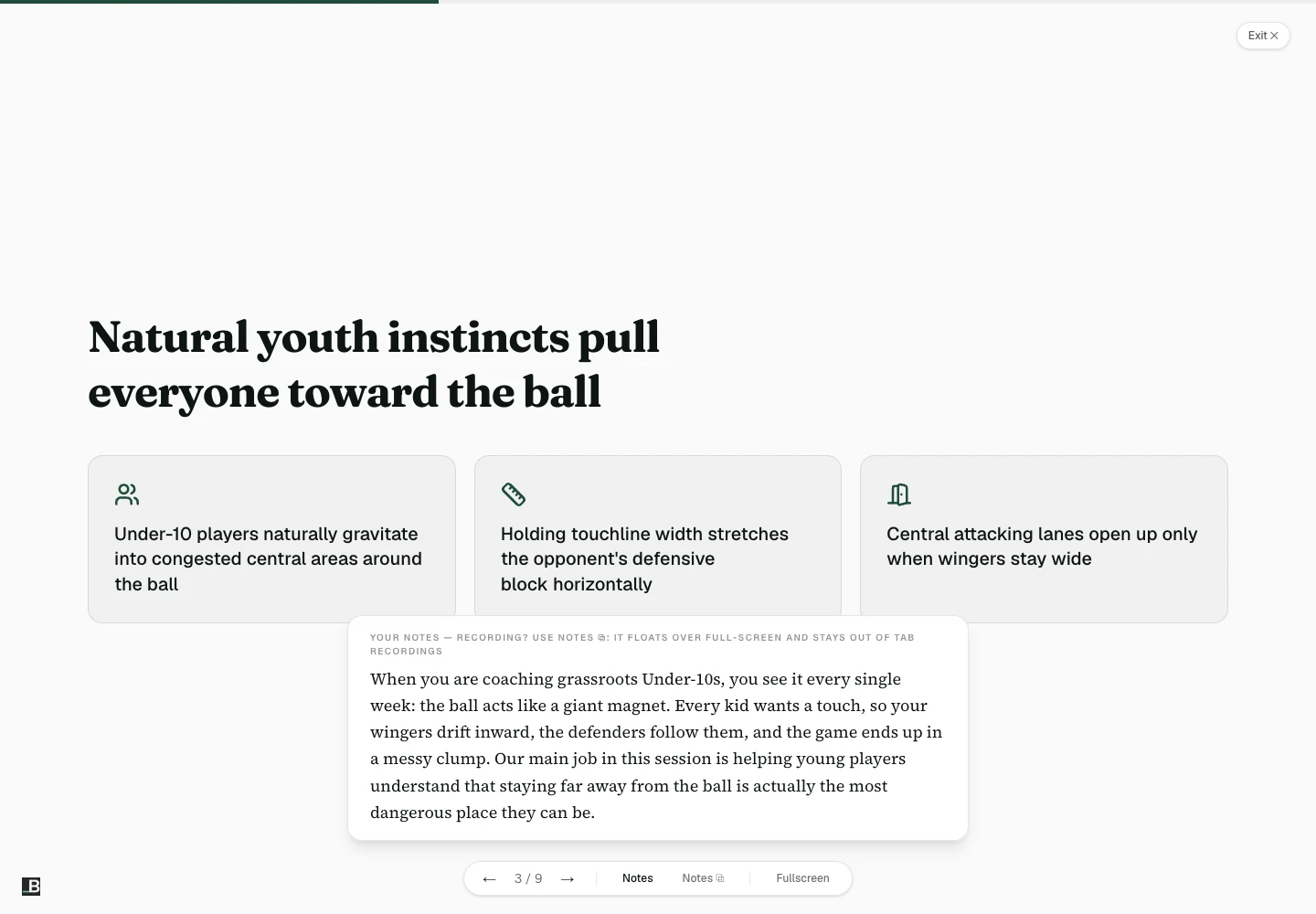
Say it in a few lines.
Pick a lesson and type what you’d say out loud. Knola builds the slides, with a speaker script under every one.
Choose a narrator
Let Knola do the talking.
Choose one of six voices, or use your own. About ten minutes later you have a finished lesson video, with captions and chapters. You didn’t record a second of it.
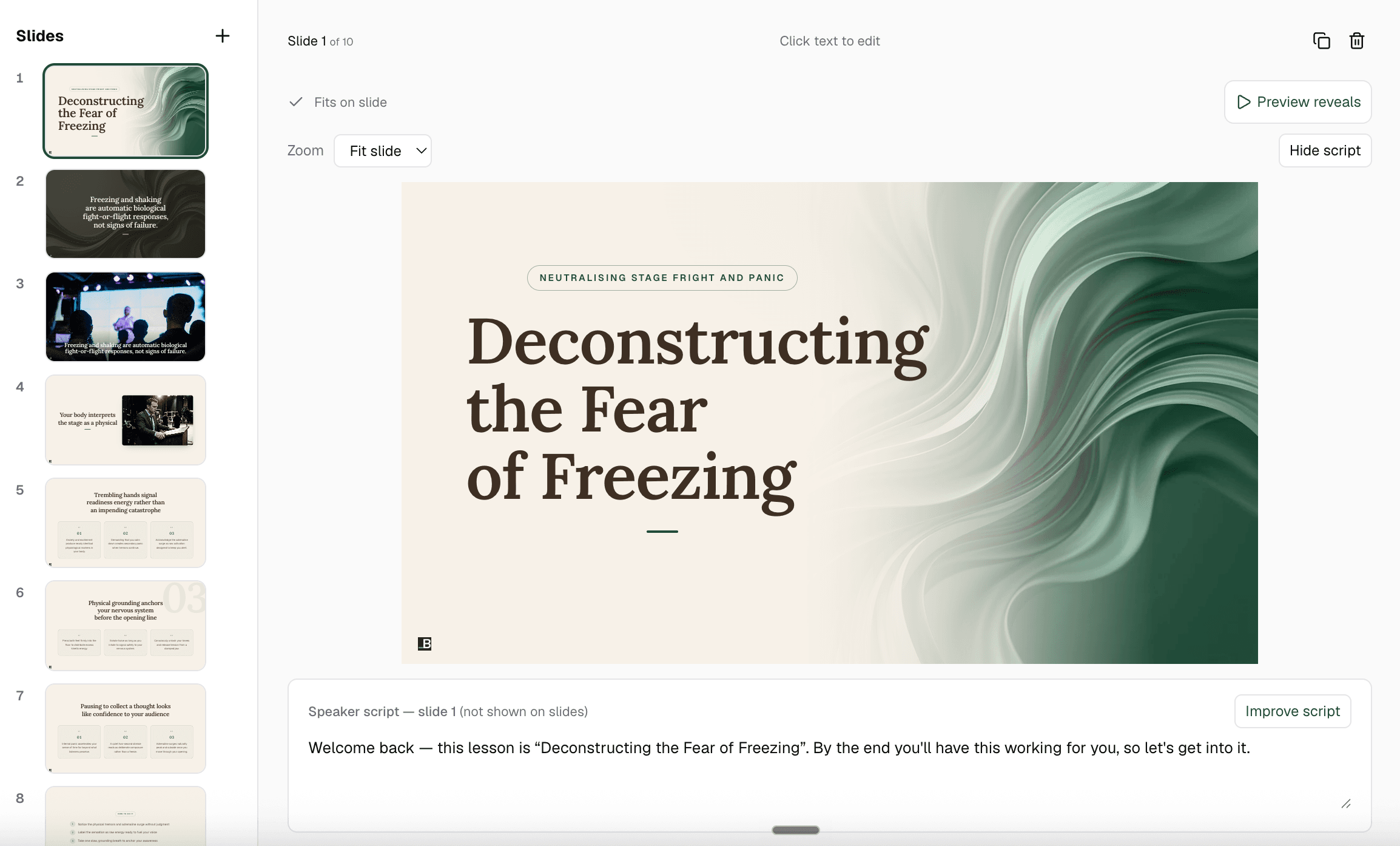
Change a line, not the lesson.
Want something different? Edit that slide, and Knola re-voices just that slide. Nothing else moves.
That’s the whole course, lesson by lesson. You never turn on a camera.
I’d been sitting on my course idea for nearly two years, convinced I’d get around to it one day. I’d written a couple of books before but never sold an online course. I came across the Knola offer and my experience so far has been great. I wish I had found it sooner.
 Richard A.Business owner
Not sure what you’d teach? Type in your job and see the course Knola would build. Free, no card.
Already have a course?
A course, an ebook, a workshop you’ve run 100 times, a folder of recordings. Upload it, and Knola gets to work.
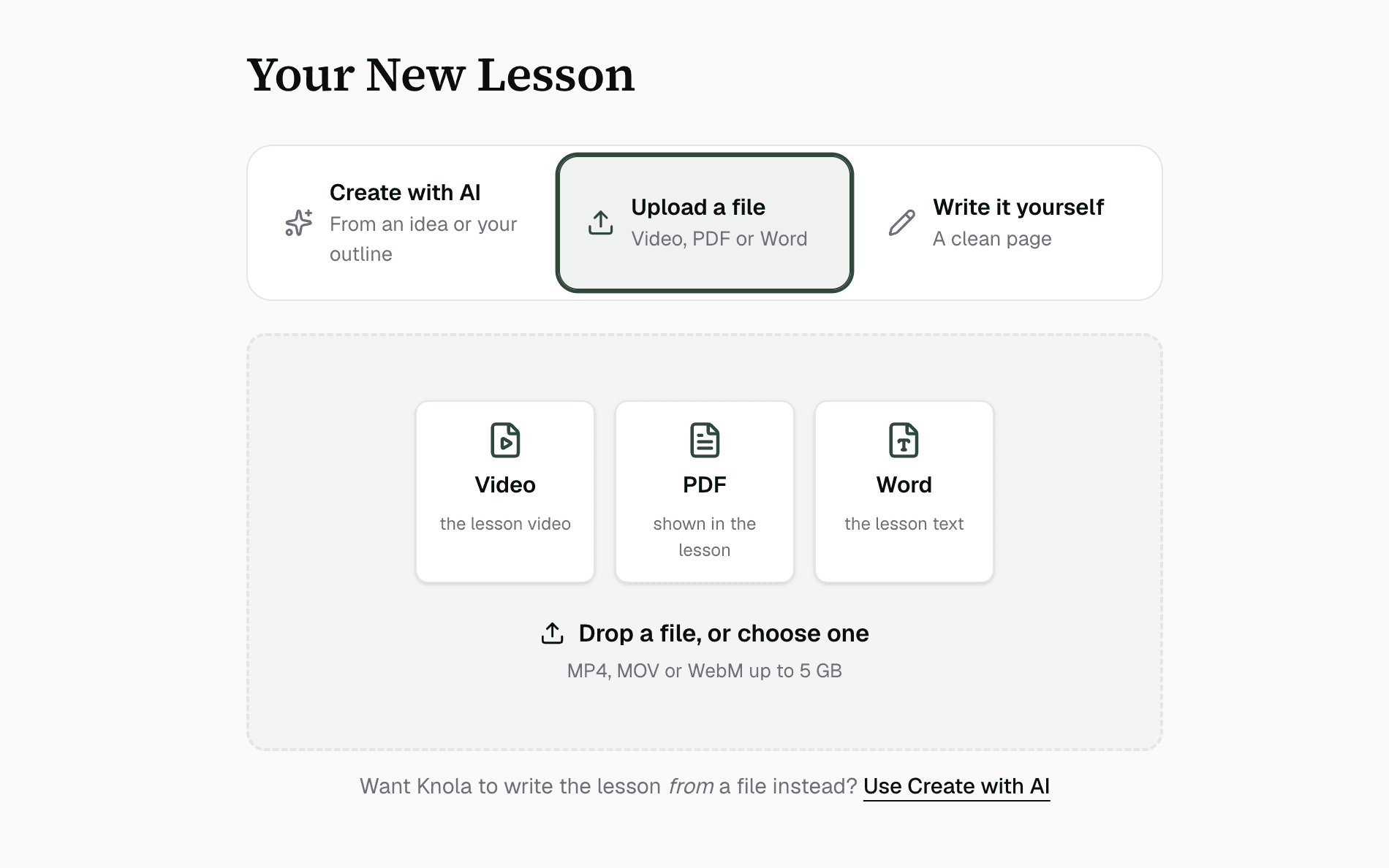
Upload what you’ve got.
Video, PDF, Word, slides or text. Knola transcribes every video and drafts the written lesson under each one, in one click.
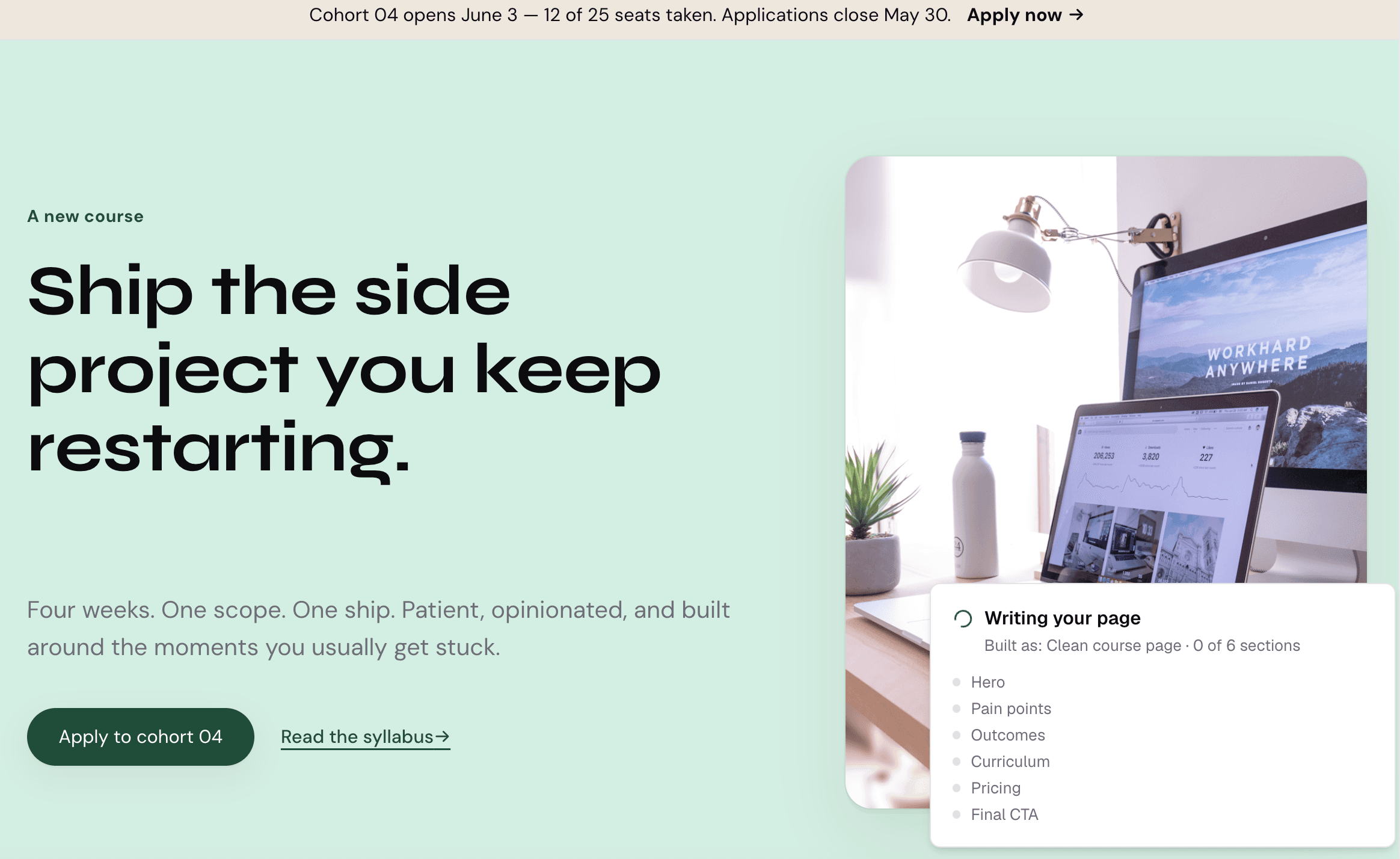
Get your sales page, written from your own content.
Knola writes it from what you actually teach, then designs and builds it on your brand.


Keep what you sell.
Use your own checkout links and Knola takes 0%. Or use Knola’s checkout, with bumps and upsells built in, for 7.5% per sale.
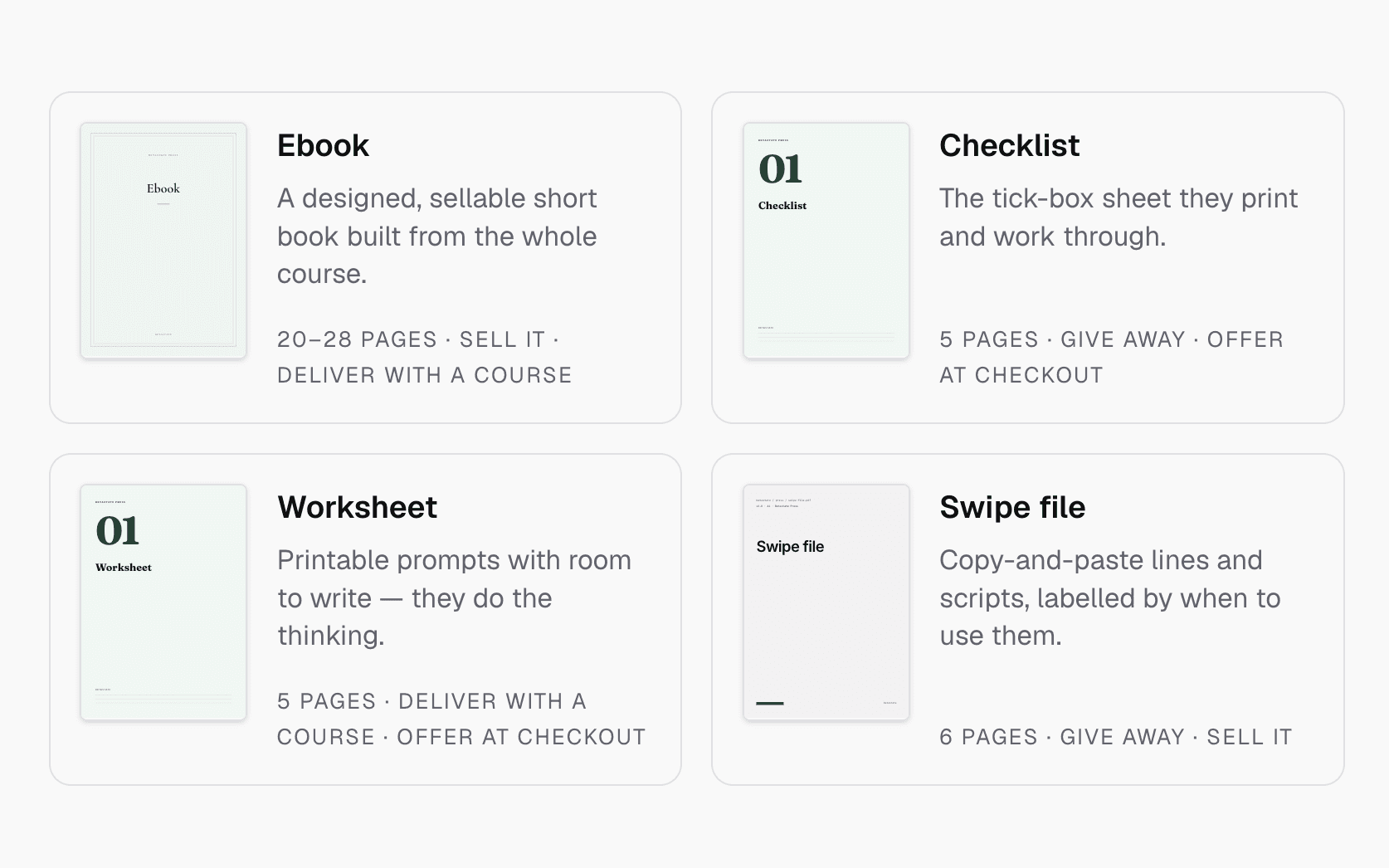
Make more from what you’ve already made.
In a couple of clicks, turn your lessons into an ebook, a checklist, a worksheet or a lead magnet. Sell each one on its own, or add it to your course as an order bump or upsell.
Nothing to rebuild. Nothing to re-record. Just more to sell from the work you’ve already done.
Investing in Knola has been the best decision ever for my creative learning business. I produce lots of content for my students and I needed a way to make it easy for them to access. Knola makes it easy to get my content online, and I love the AI written tools that let me turn my recordings into written lessons too.
I love how Knola combines the ability for me to upload my own course material, whilst also giving me the option to produce more from it with the AI tools. It’s a solid platform with great support.
Moving from Kajabi, Teachable or Thinkific? See the side-by-side comparisons.
Everything else, built in
Sales pages, funnels, checkout, your own school, quizzes, certificates and analytics are all in Knola. No plugins, nothing to wire together, and no monthly fee to keep it running.
Sales pages
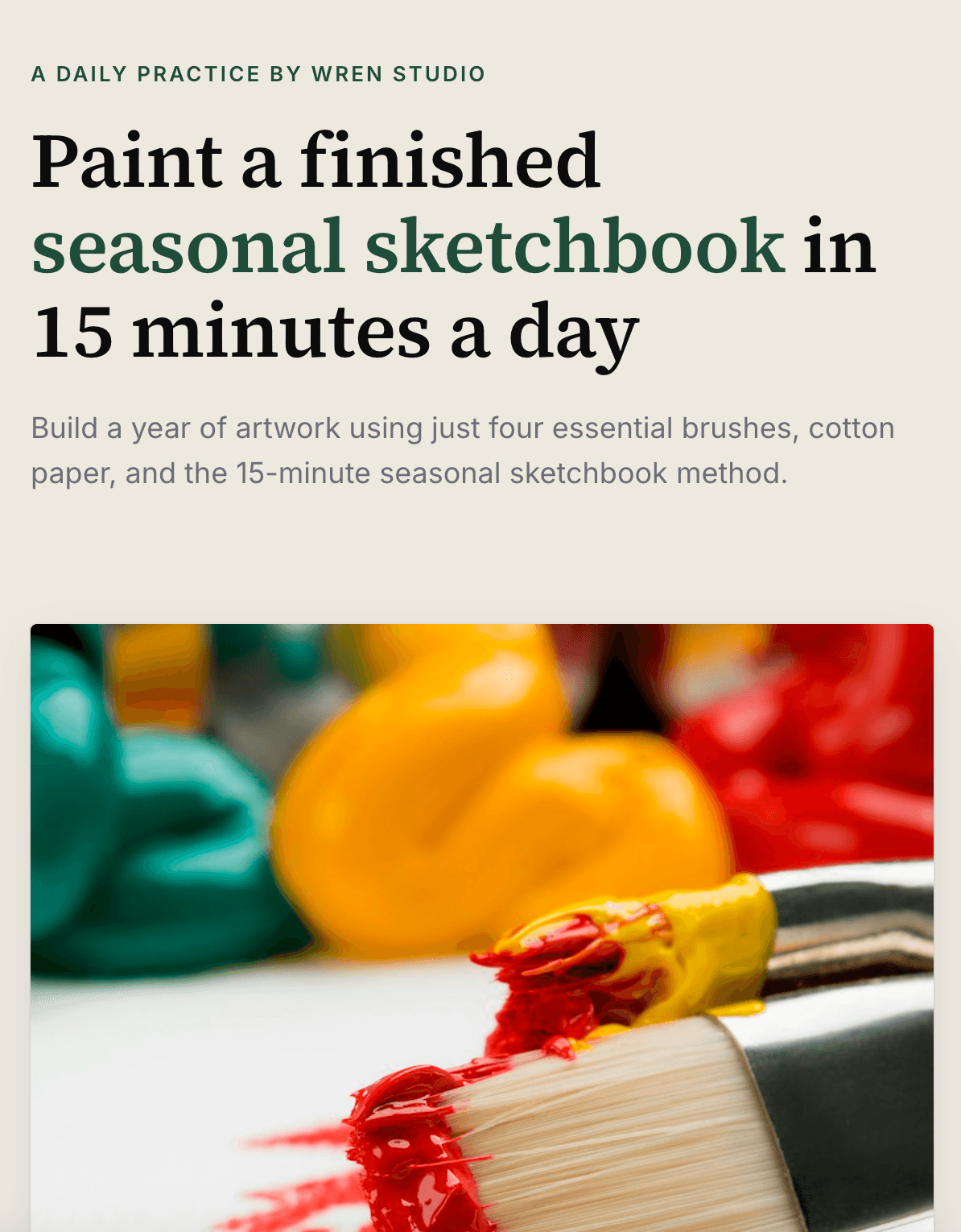
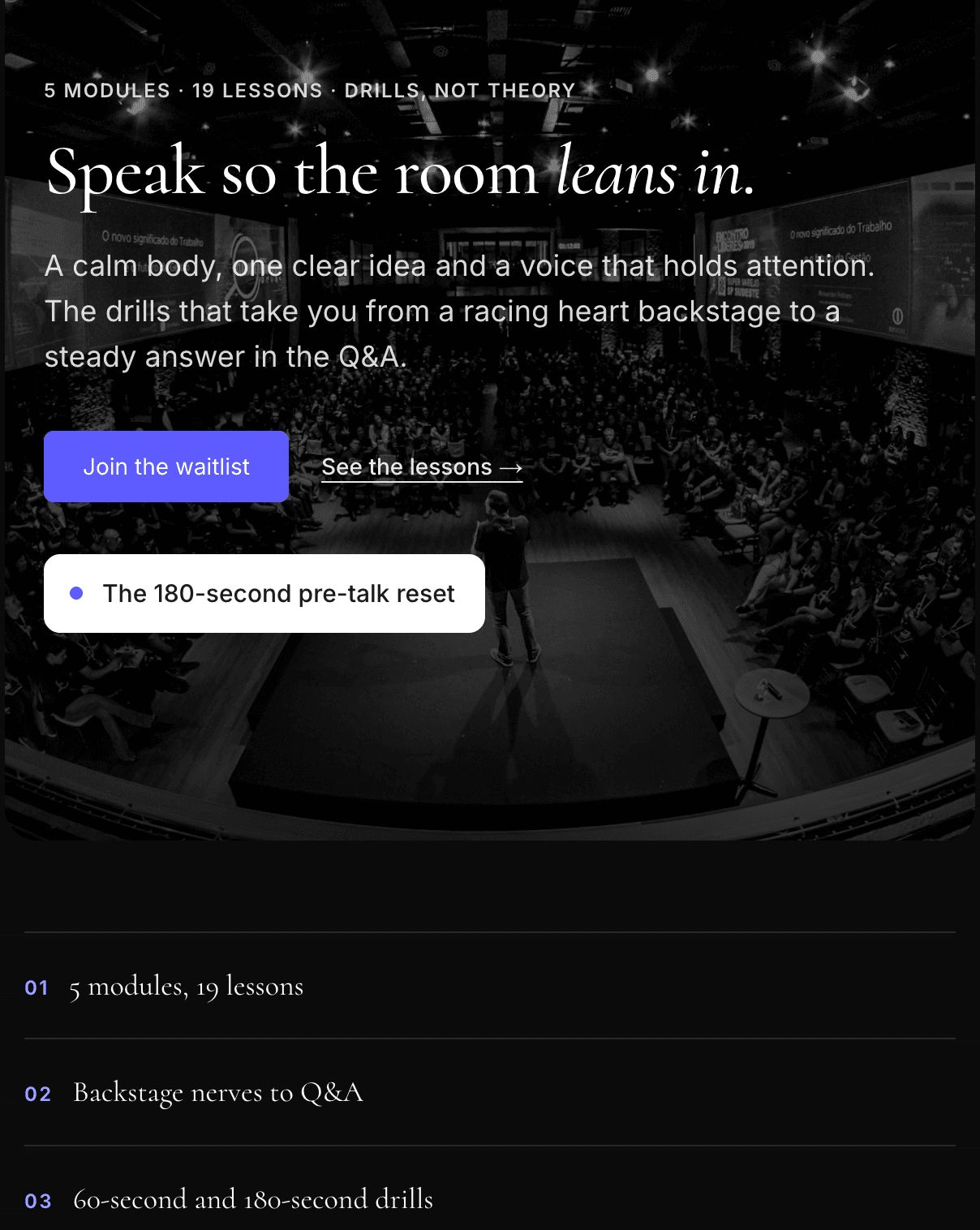
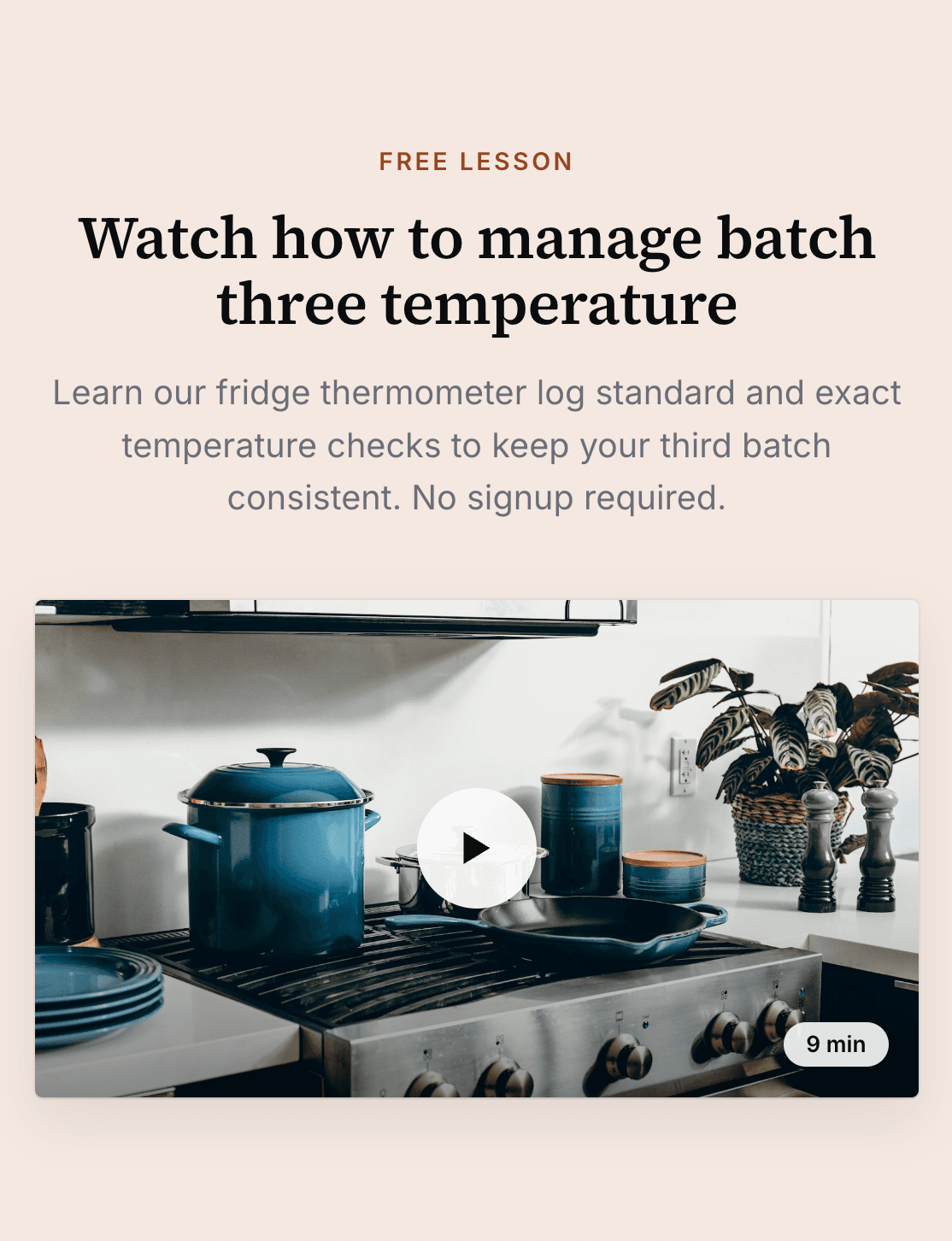
Written from your course, then designed on your brand. These are real pages from creators selling on Knola.
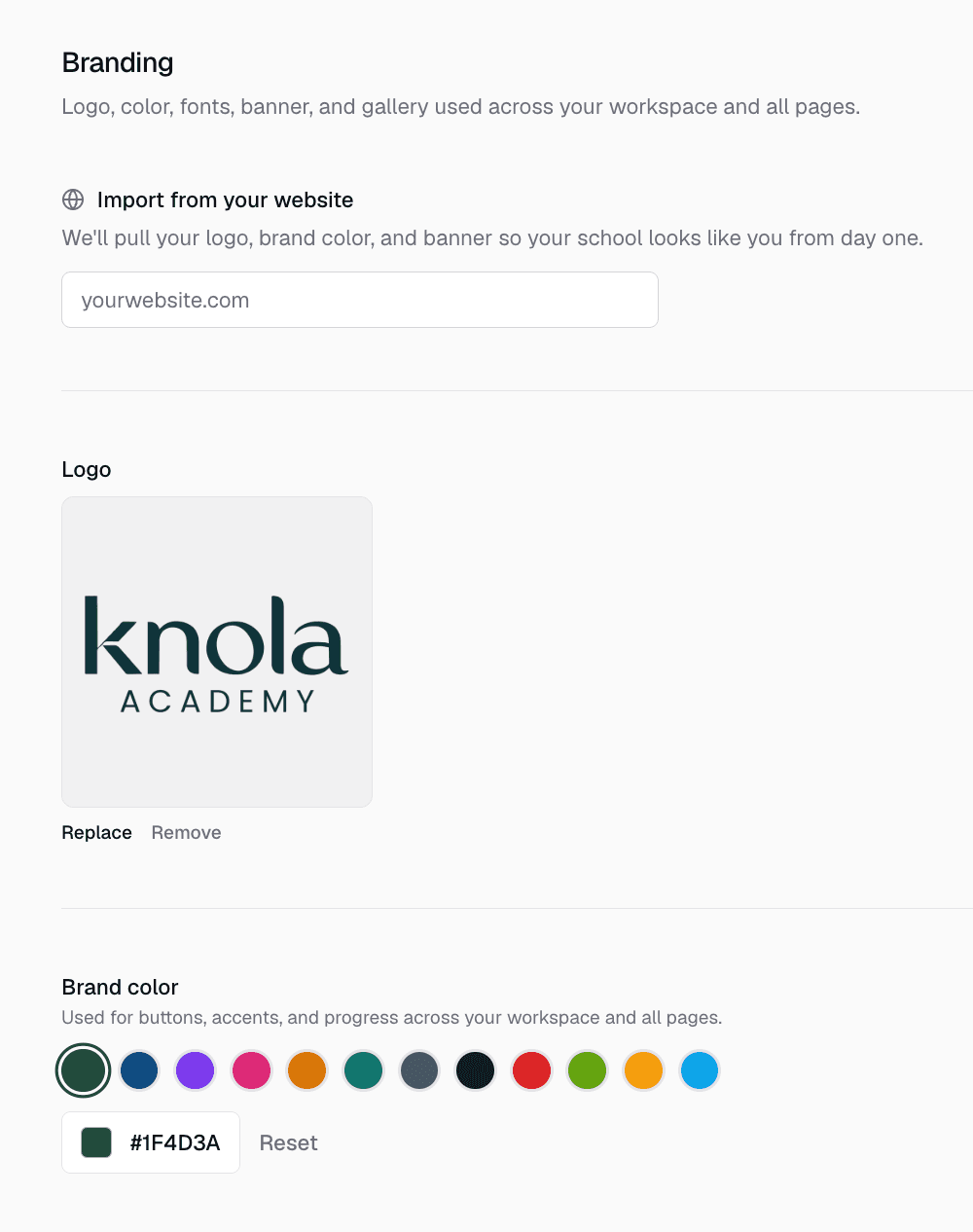
Your brand, your school
Your logo and colours pulled from your website, on your own subdomain.
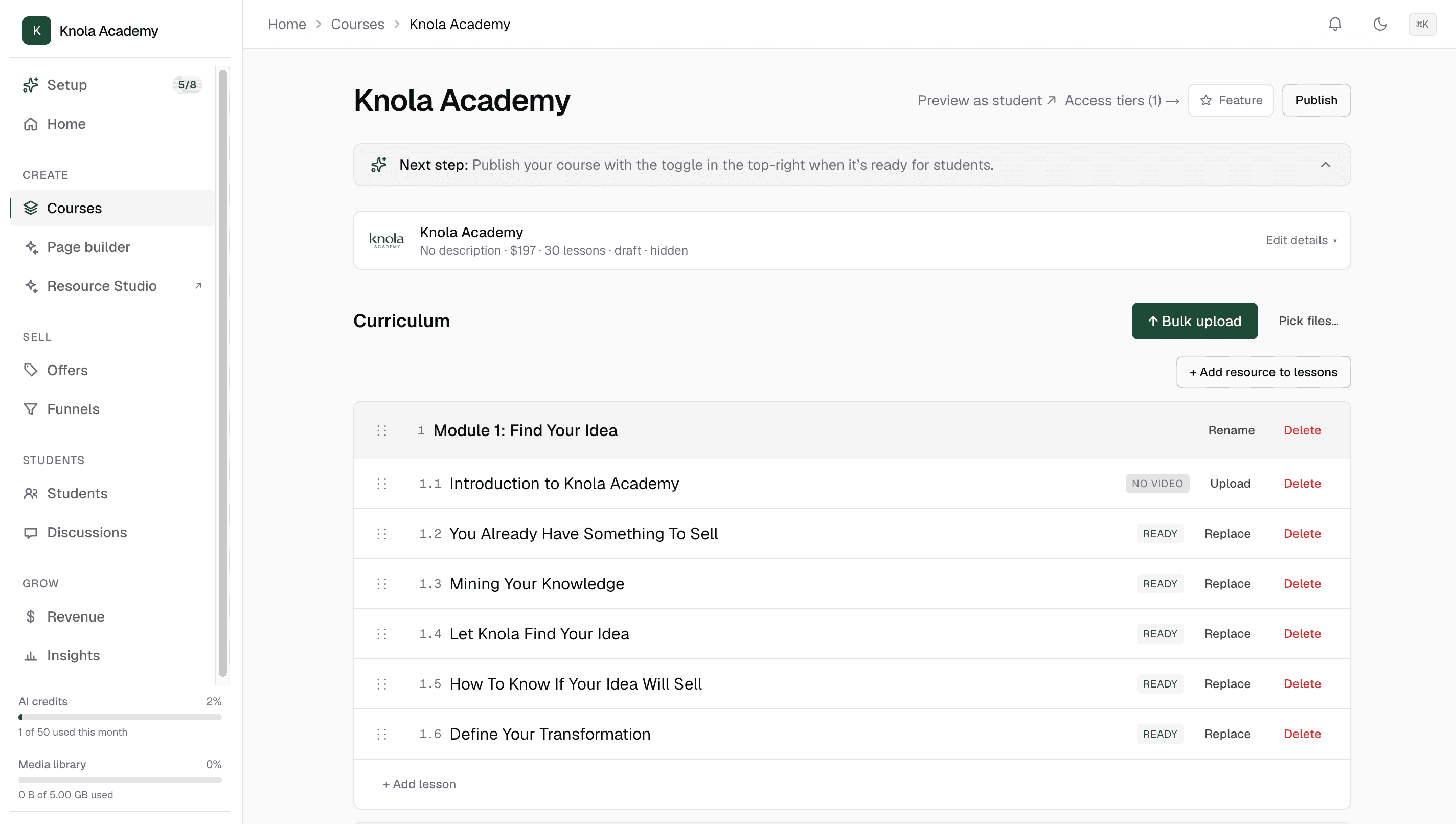
Your courses
Modules, lessons and your own videos, up to 5 GB each.
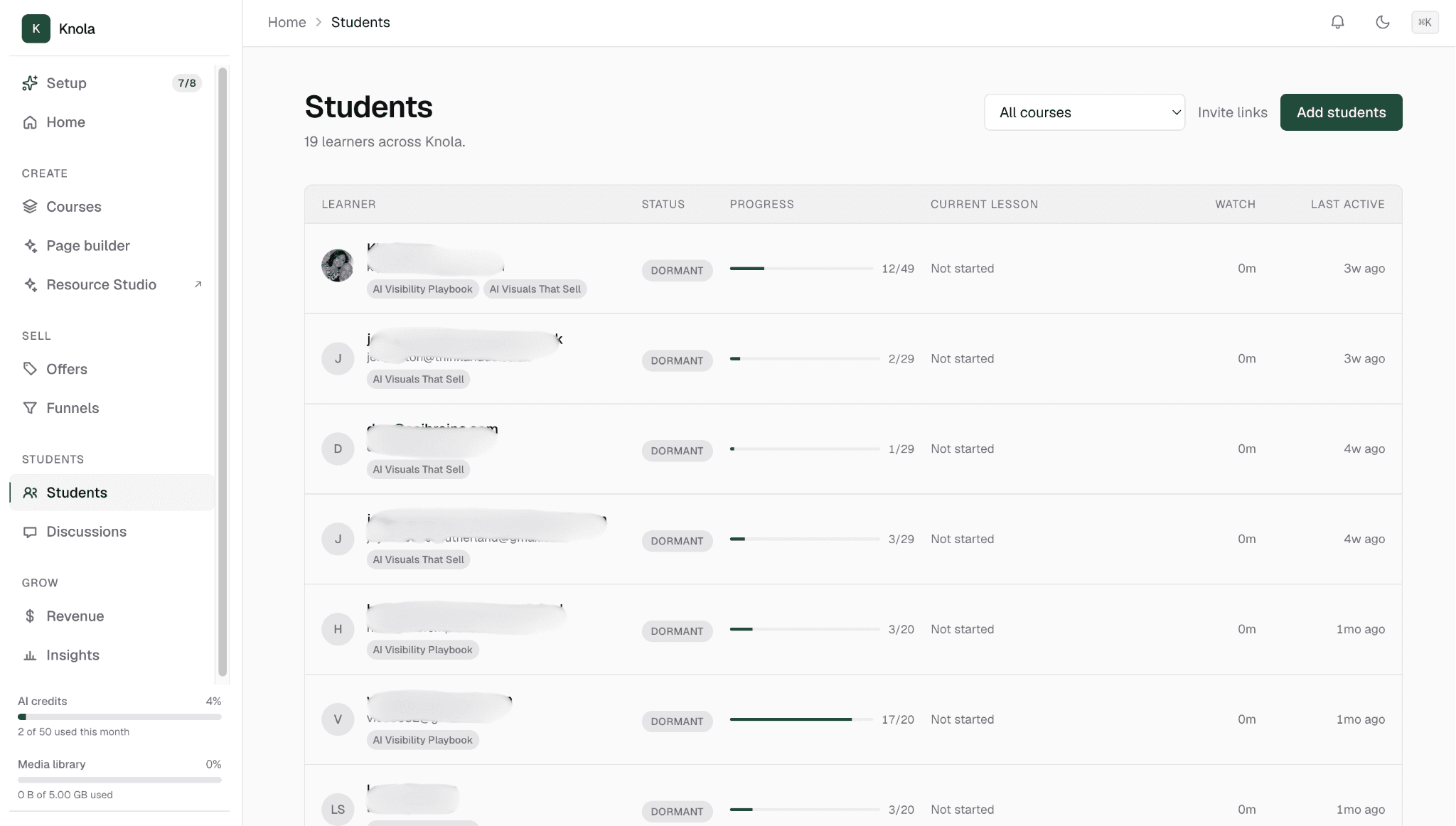
Your students
Everyone who’s enrolled, and how far they’ve got.
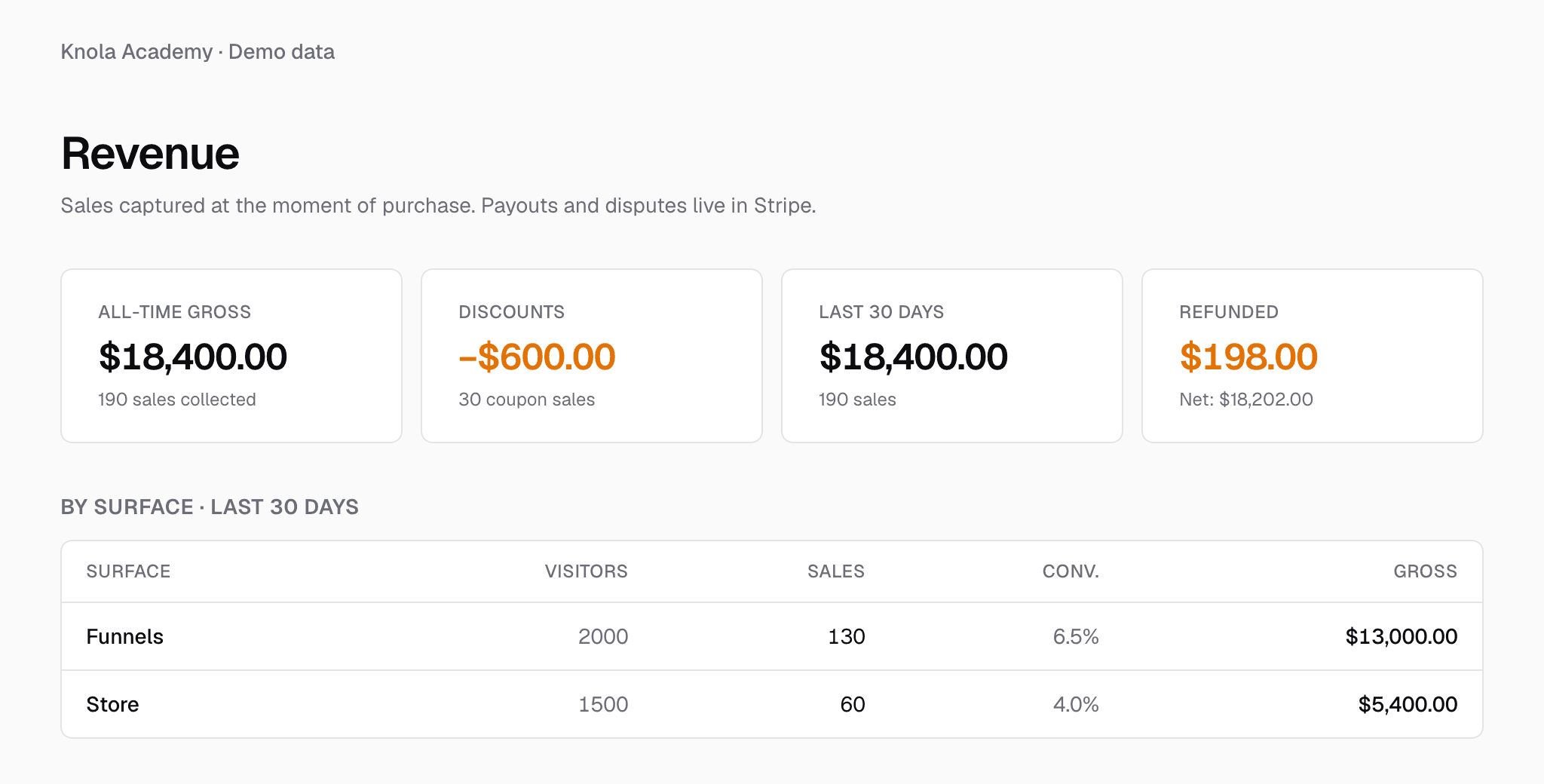
Every sale
Revenue from every funnel and page, in one place.
Funnels
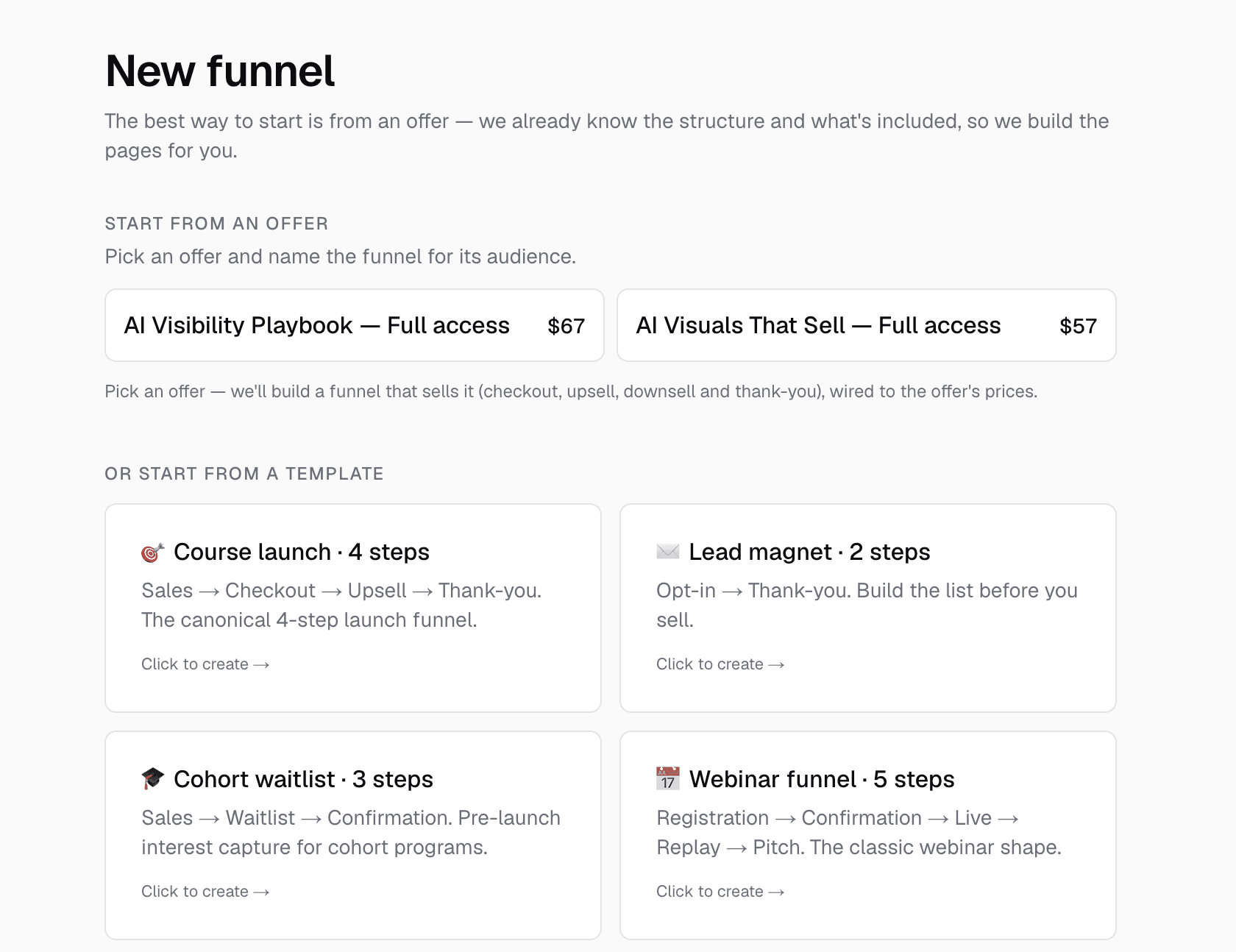
Pick a course launch, lead magnet, waitlist or webinar funnel. Knola builds every page, with the order bump, upsell and downsell mapped.
Checkout
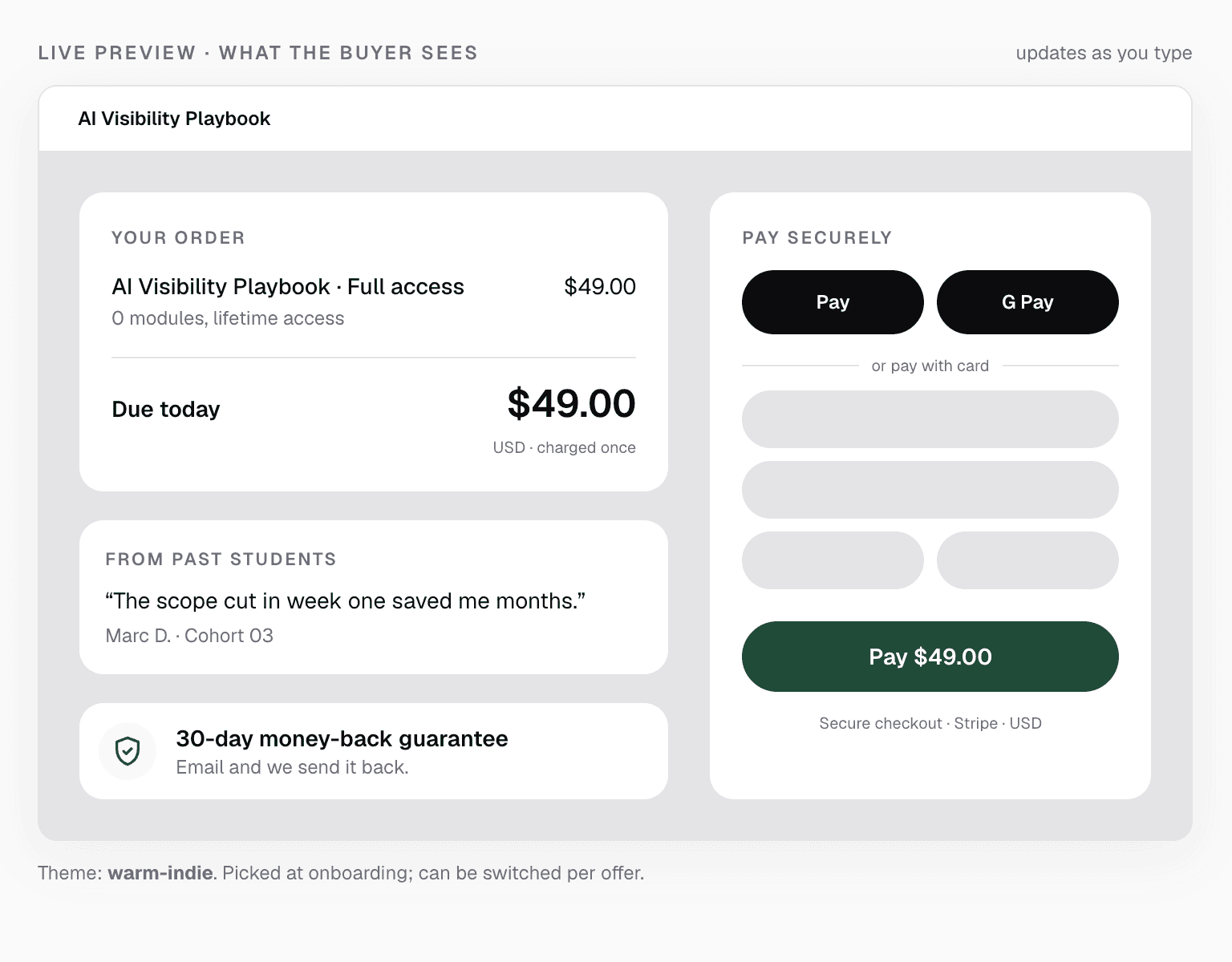
Use Knola’s checkout, with bumps and upsells built in, for 7.5% a sale. Or use your own checkout links and pay Knola 0%.
Coupons
Percent-off or fixed-amount codes for launches and offers.
Course$97.00
Code applied−$19.40
Due today$77.60
Quizzes
Knola writes a short quiz from each lesson to test what stuck.
Which change comes with 7v7?
A smaller pitch
A retreat line
No goalkeeper
Certificates
Sent to your students automatically when they finish.
Certificate of completion
Sam Taylor
Coaching Under-10s: 5v5 to 7v7
Drip
Release lessons week by week, on the schedule you set.
Week 1Open now
Week 2Unlocks in 7 days
Week 3Unlocks in 14 days
And so much more.
Explore all featuresKnola removes the guesswork and fear, making course creation feel simple, achievable, and genuinely exciting. It doesn’t just show you what is possible. It makes you want to begin.
 Joy Hauʻoli SutherlandCo-Founder, LVH Brands
76 guides, one for every screen →Compare Knola with other platforms →
Who’s behind Knola
We’ve spent 18 years building and selling digital products, with millions in sales across dozens of products.
For most of those years, we did it the hard way: a platform paid every month, tools stitched together, and weeks of building before anyone could buy. The knowledge was never the hard part. Everything around it was.
So we built the platform we wished we’d had. We sell our own courses on it every day.
Jamie & David
Read why we built Knola

How Knola makes money.
$197or $97, once
Your licence. It gets you in, gets you set up, and gets you making money.
7.5%of a sale
Only if you use Knola’s checkout. Use your own checkout links and it’s 0%.
That’s the whole model. We do better when you sell more, so we only do well if you do.
And when you need help, real people answer
I asked a question expecting to wait days and got a real, helpful answer within the hour. You can tell Knola is built by people who actually want you to succeed, not just take your money.
 Sophie RichardsPeaceLoveSerenity
When I have a question or need help figuring something out, I feel like there are real people who want to help, not just a support ticket system.
Lori KantorUniversal Educational ServicesOne payment. No monthly fee.
Pay once. It stays online, with no monthly fee to keep it there.
Today’s price is the lowest it will ever be. The licence will cost more as Knola grows, but once you’re in, you’re in.
Knola Studio
For more than one course, or courses for clients.
$197once
Why most people pick Studio
30-day money-back guarantee · Pay once · Secure checkout
Knola Solo
For one course.
$97once
I’ve tested many course platforms over the past few years and never found one that I liked. The ability to create different types of course materials with AI is what initially caught my attention with Knola. Since signing up, the whole platform has felt so good to use and I now have 3 courses fully online. Amazing.
 Chris WalkerCreative Worlds
Both plans include
Try Knola for a full 30 days. Build your course. Put it in front of people. If it’s not for you, for any reason at all, email us and we’ll refund every penny. No forms, no hoops, no “are you sure?” emails.
I would recommend Knola to anyone wanting to host a course online. My students have even commented on how easy it is to use and it has saved me a lot of money.
Want more? Knola Pro ($37 a month) adds more room, white-label, 0% fees on our checkout, and new Pro features as we release them. Optional, never required.
Credits pay for the AI work:
Your licence comes with 200 credits on Solo and 1,000 credits on Studio. That’s enough to create pretty much everything for the courses your plan includes. If you do want to top up, you can do that inside Knola.


