

Account & workspace
Settings, billing, storage, content exports and workspace management.
6 guides
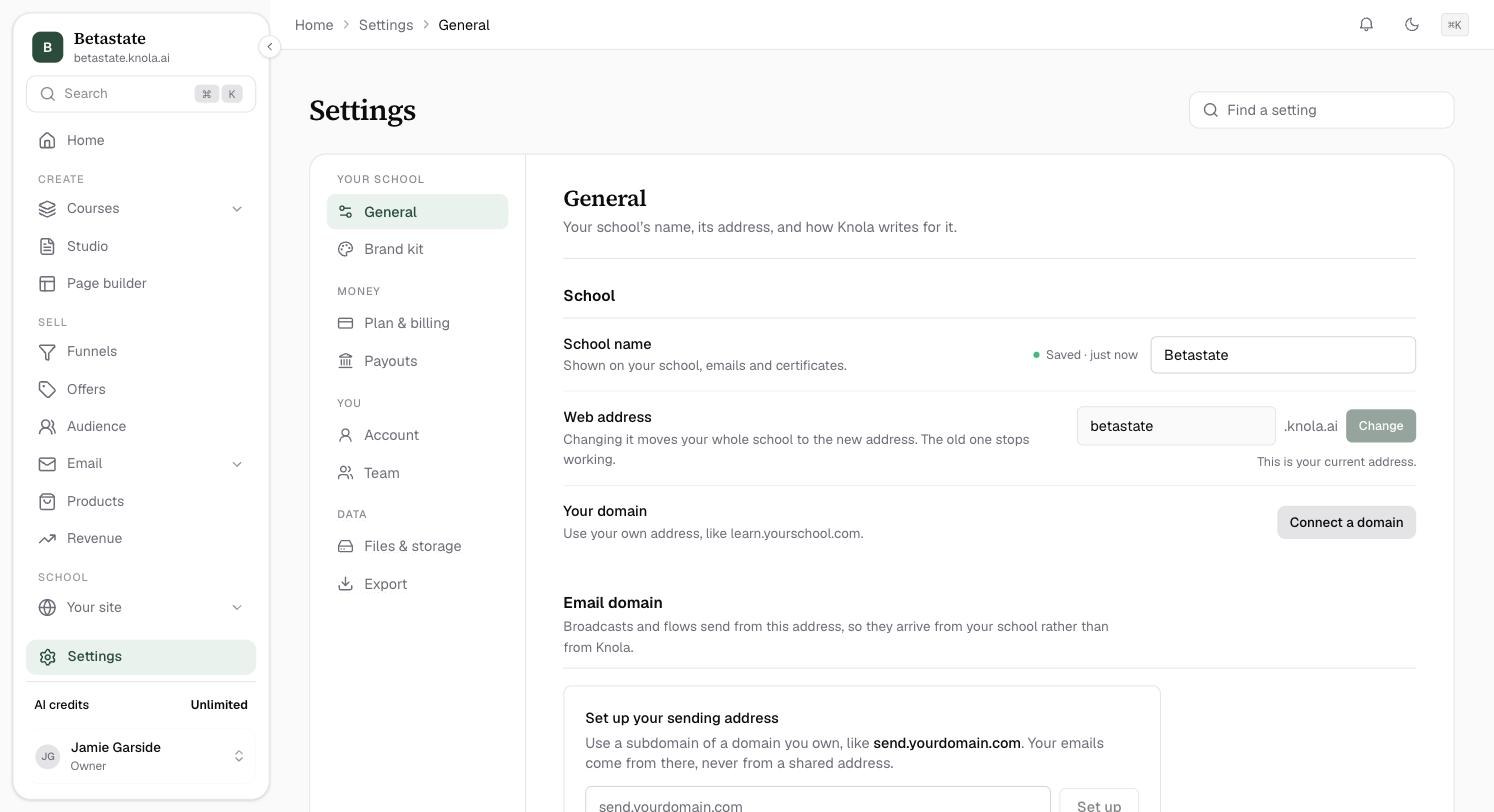 Every settings page, and how to find a settingA map of Knola Settings: what lives on each page, who can see it, and the fastest way to find one setting.3 min read
 How to export everything: your content is yoursDownload any course as PDF, self-contained HTML, or a Markdown + JSON archive, and export your full audience as CSV. No lock-in, ever.3 min read
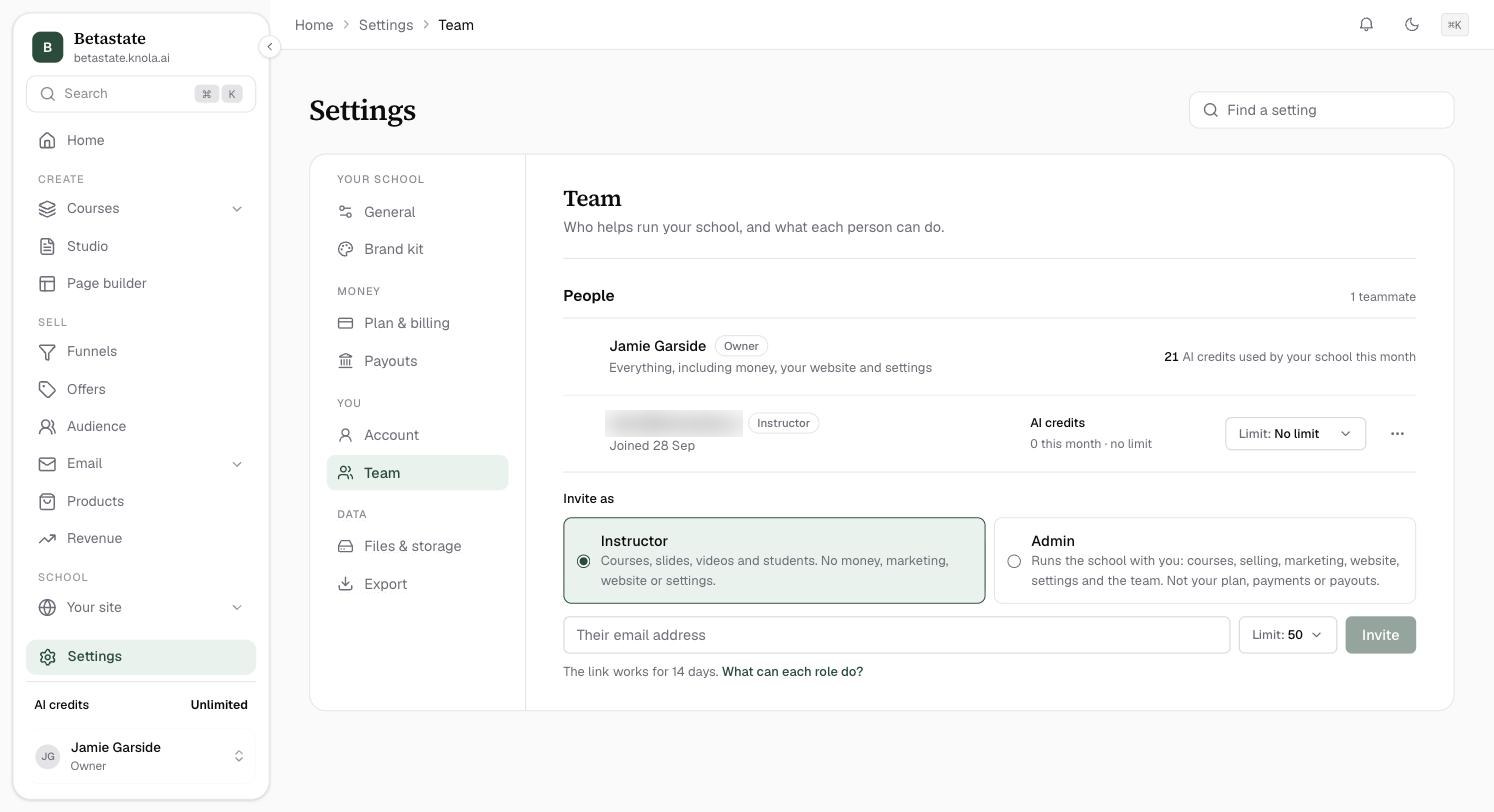 How to add your team, and what each role can doInvite an instructor or an admin to help run your school, set how many AI credits each can use, and change or remove them later.3 min read
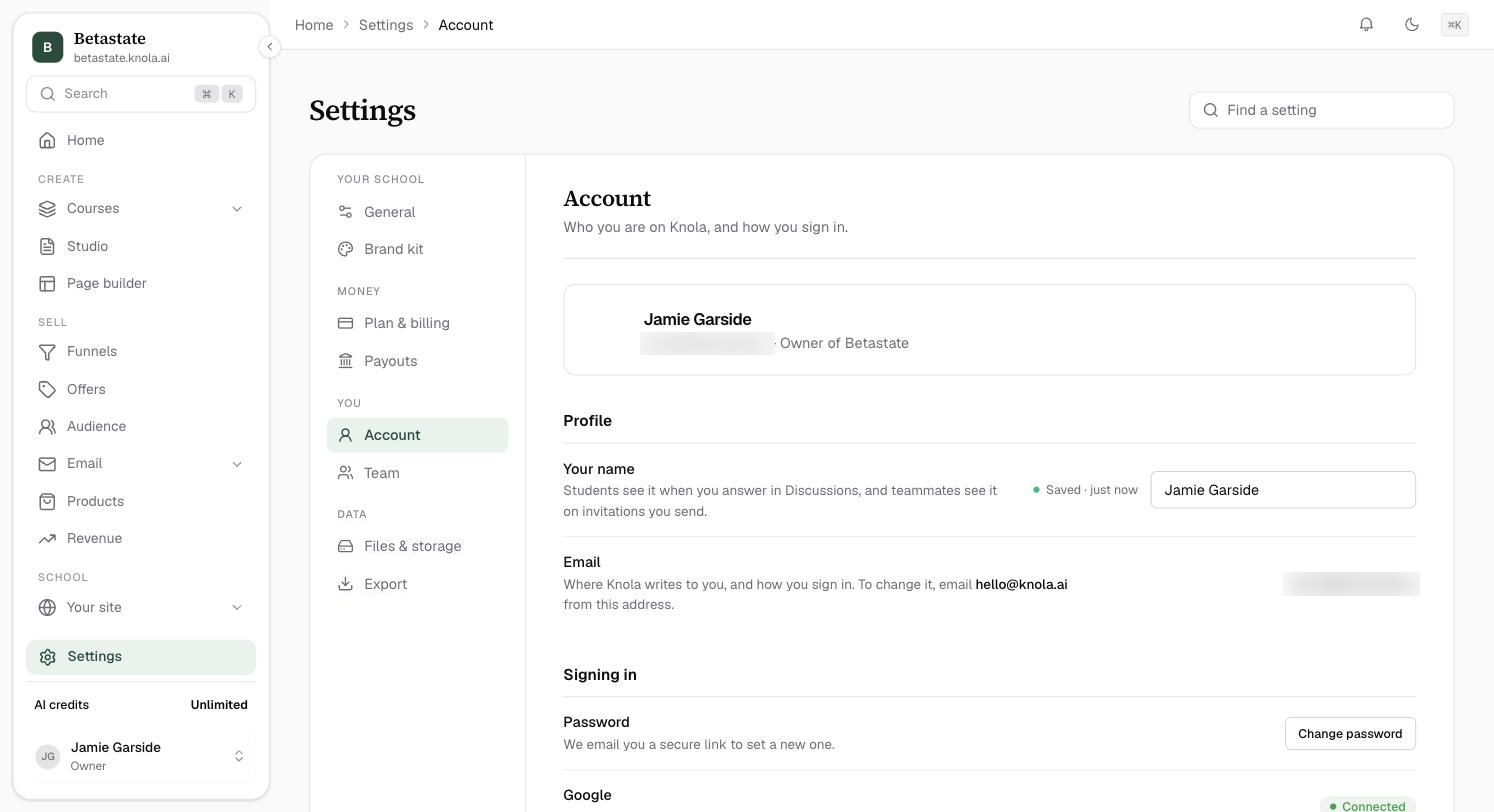 How to manage your account and sign-inChange your name, set a new password, sign in with Google, and sign out of every device at once.2 min readYour plan, billing and AI creditsSee what plan you are on, how many AI credits you have, top up when you run low, and change your card or download invoices.3 min read
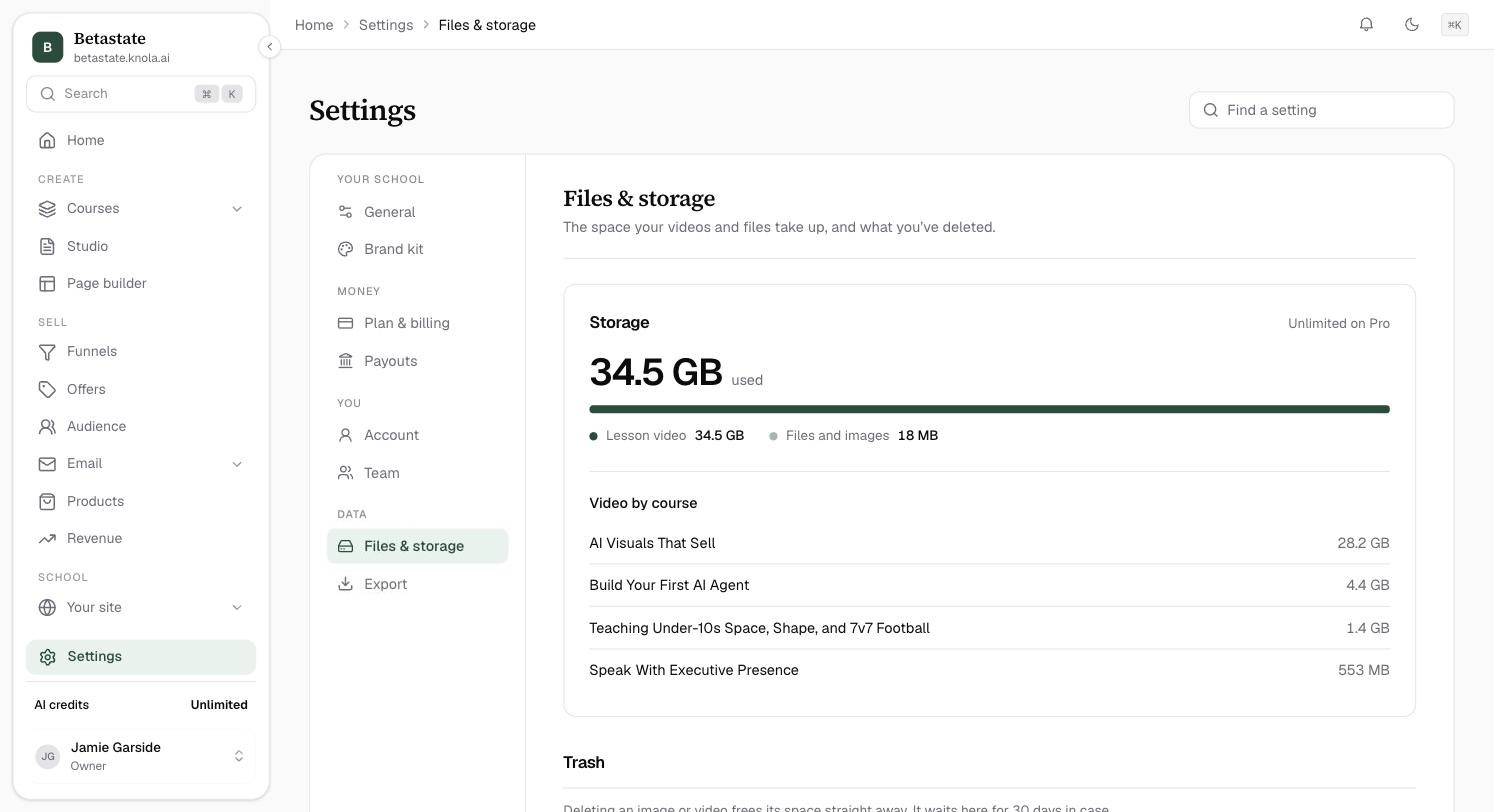 How to check your storage and restore deleted filesSee how much space your videos and files use, which courses use the most, and bring back a file you deleted in the last 30 days.2 min read