

Courses
Create courses with AI or by hand, structure the curriculum, and publish.
11 guides · 1 video
 How to create a course with AIDescribe what you teach and Knola drafts the whole course (modules, lessons, name options and a price), wired to an offer and checkout funnel.4 min read
 How to create a course manuallyStart from a blank course, or bring one you already sell on another platform: name it, then build or upload the curriculum yourself.3 min read
 Here's every course setting: title, price, cover, visibilityWhere every course-level control lives: rename, publish state, school-page visibility, price and checkout method, cover image, exports and preview. Video5 min read
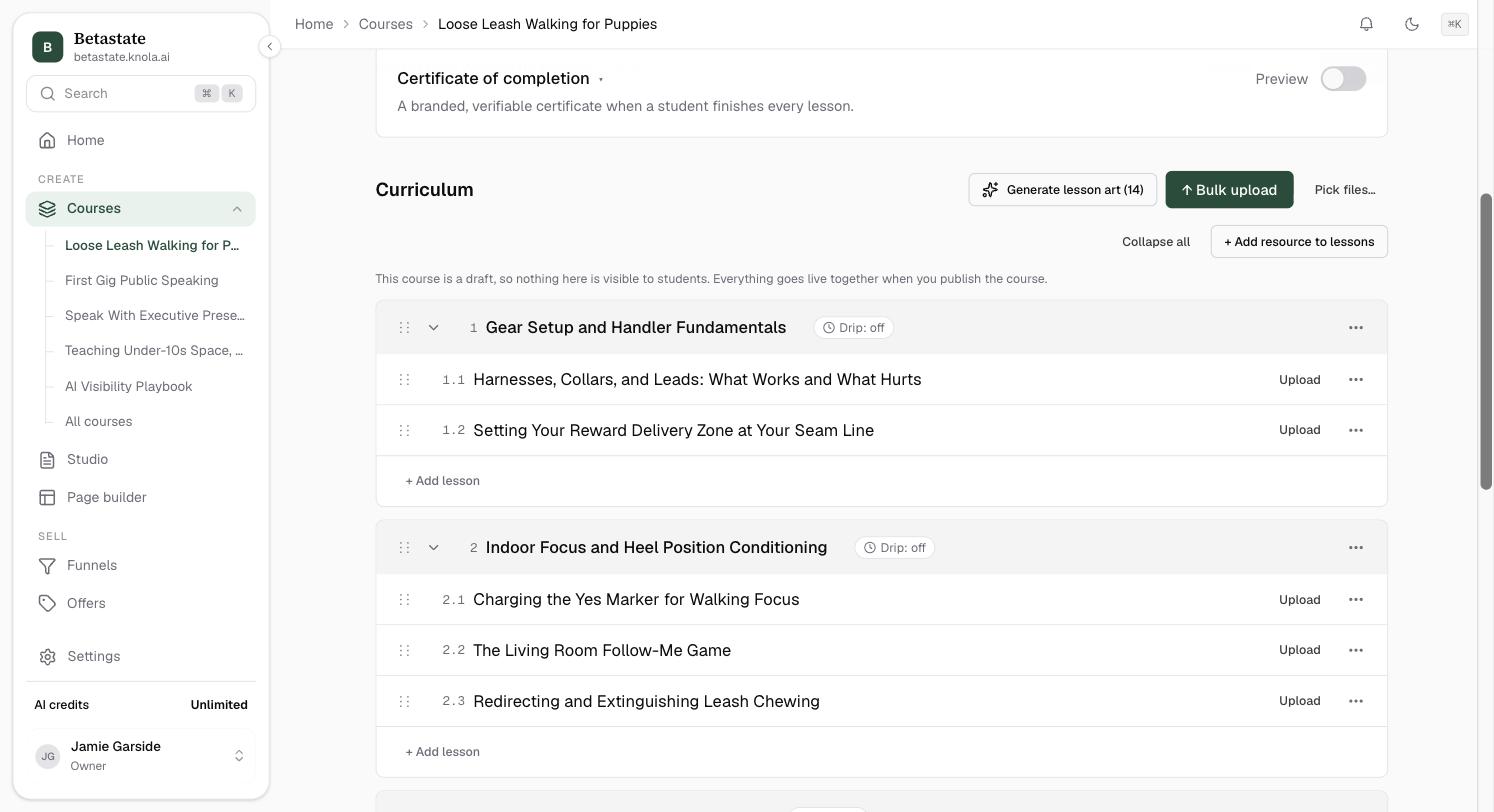 How to build your curriculum: modules & lessonsBuild and organise your curriculum: add modules and lessons in bursts, drag anything into order, and duplicate, publish or delete from each row's menu.4 min read
 How to drip-release modules and lessons over timeRelease modules and lessons on a schedule: each module unlocks a set number of days after a student enrols, shown with its unlock date.3 min read
 How to sell slices of one course with access tiersSell slices of one course as named tiers: choose the modules each tier unlocks, set a default price, and let offers and upsells sell the levels.4 min read
 How to import a course you already haveMove a course you already have into Knola: migrate from another course provider or upload your recorded videos, and the whole curriculum builds in one pass.4 min read
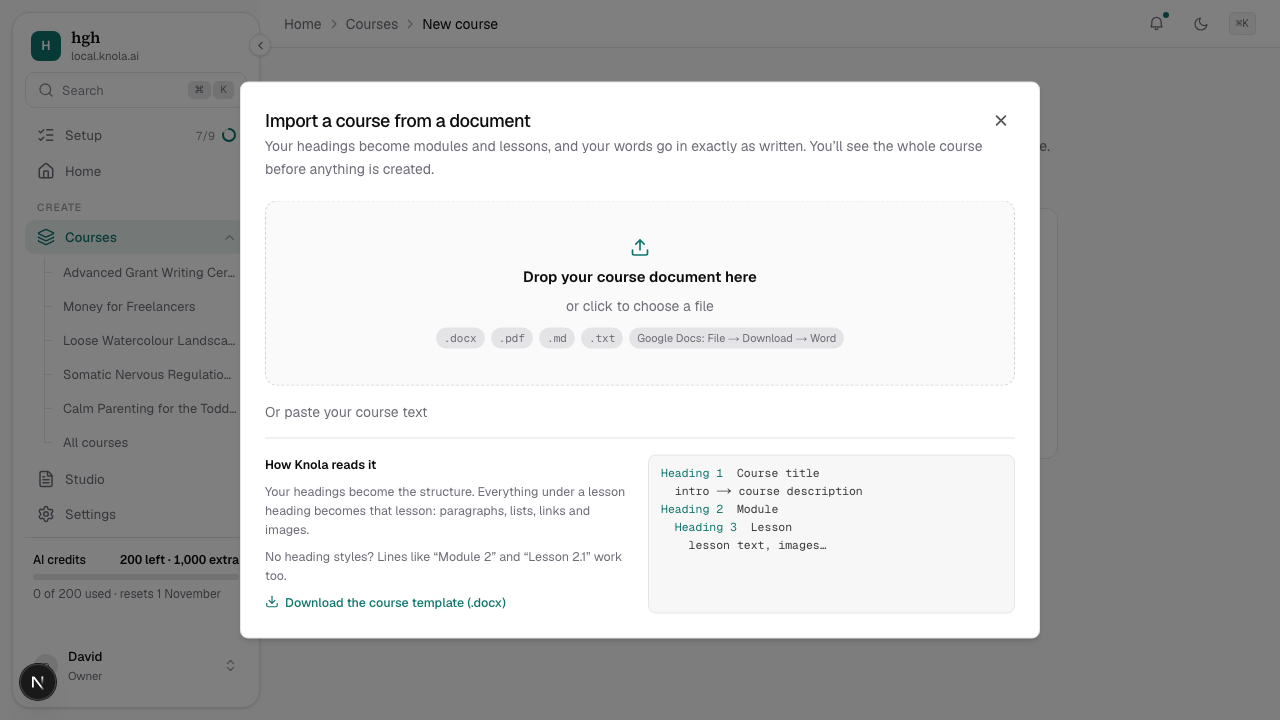 How to import a course from a Word document, PDF or MarkdownTurn a course you have already written into modules and lessons in one pass: Word, Google Docs, PDF, Markdown or pasted text, with every word kept as written.4 min read
 How to publish, preview and share your courseTake your course from draft to live, check it as a student would see it, and share the right link: public course page or free-enrolment invite.4 min read
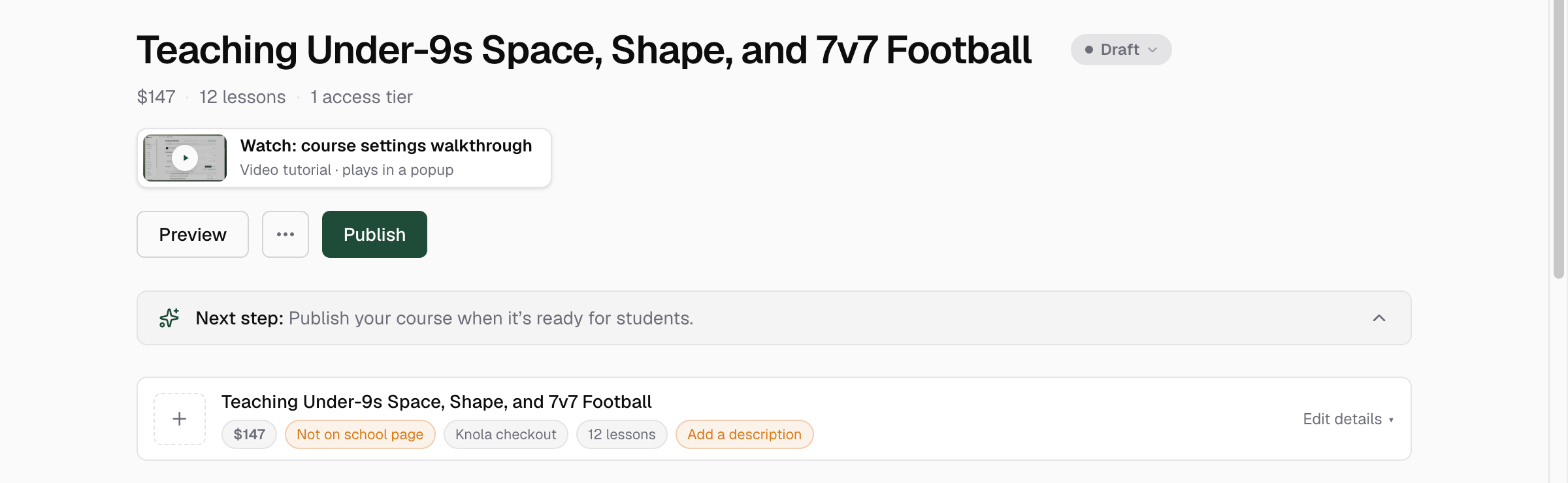 How to add a course cover, or have AI design oneGive your course the image buyers see first: upload your own, or have Knola design one with your course title built into the artwork.4 min read
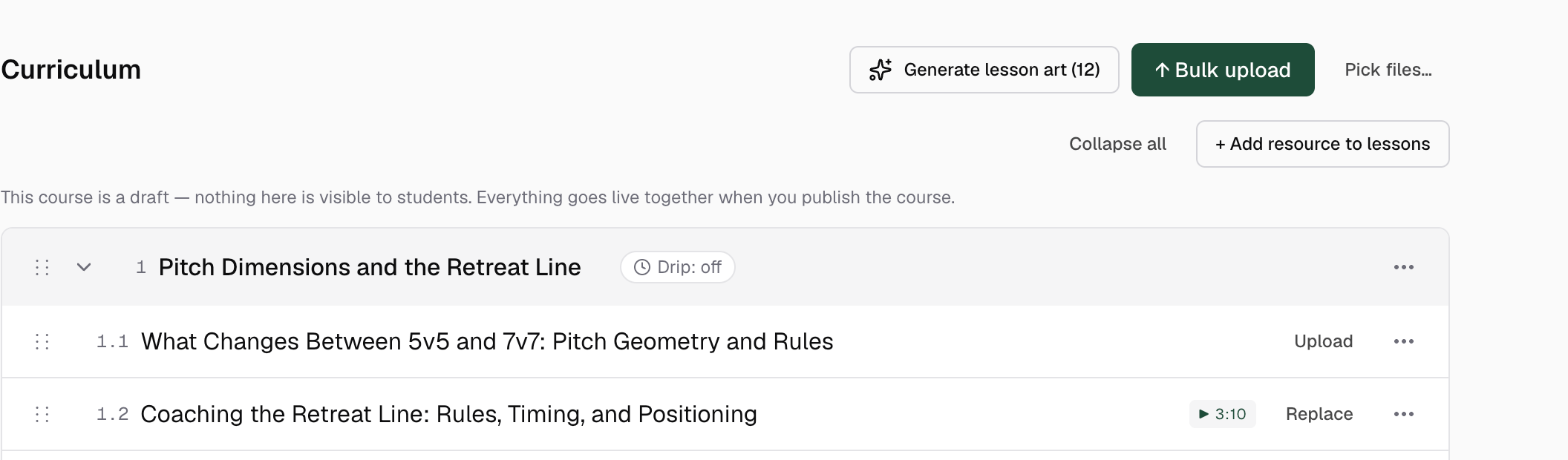 How to generate AI art for every lesson at onceGive every lesson in a course matching AI artwork in one run: pick one of two styles, and Knola designs a thumbnail per lesson from your own titles.4 min read