

How to check and fix the captions on a video
Every narrated video comes with captions. Read them, fix a misheard word in one line or everywhere it appears, and download them as a file.

 By Knola3 min read
Knola captions every video it makes. They are usually right, but a name or a technical word can come out wrong. Fixing a caption is free and does not make the video again.
Open the captions
Click Captions on the video workspace, or in the row under the video on the lesson, where it reads "review and fix". The list shows every line with the time it appears. Click a time to play the video from there.
Find in captions searches the lines, which is the fastest way to check every place a name appears.
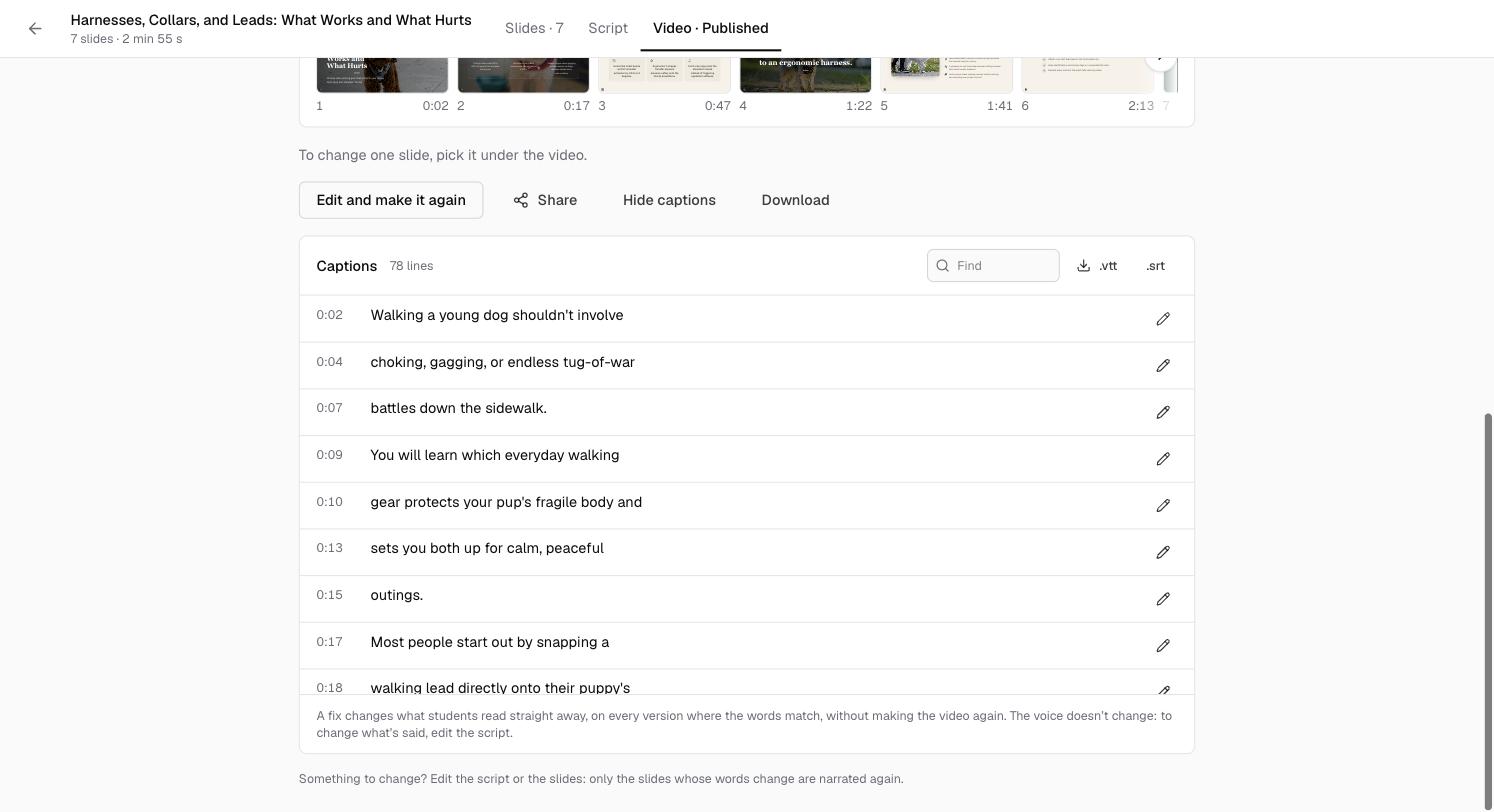
Fix a line
Click the pencil beside a line, correct it and click Save. If the word you changed appears in other lines, Knola asks whether to fix it Everywhere or Just this line.
A fixed line keeps what was said underneath, so you can see what changed, and Your fixes collects them all with Undo.
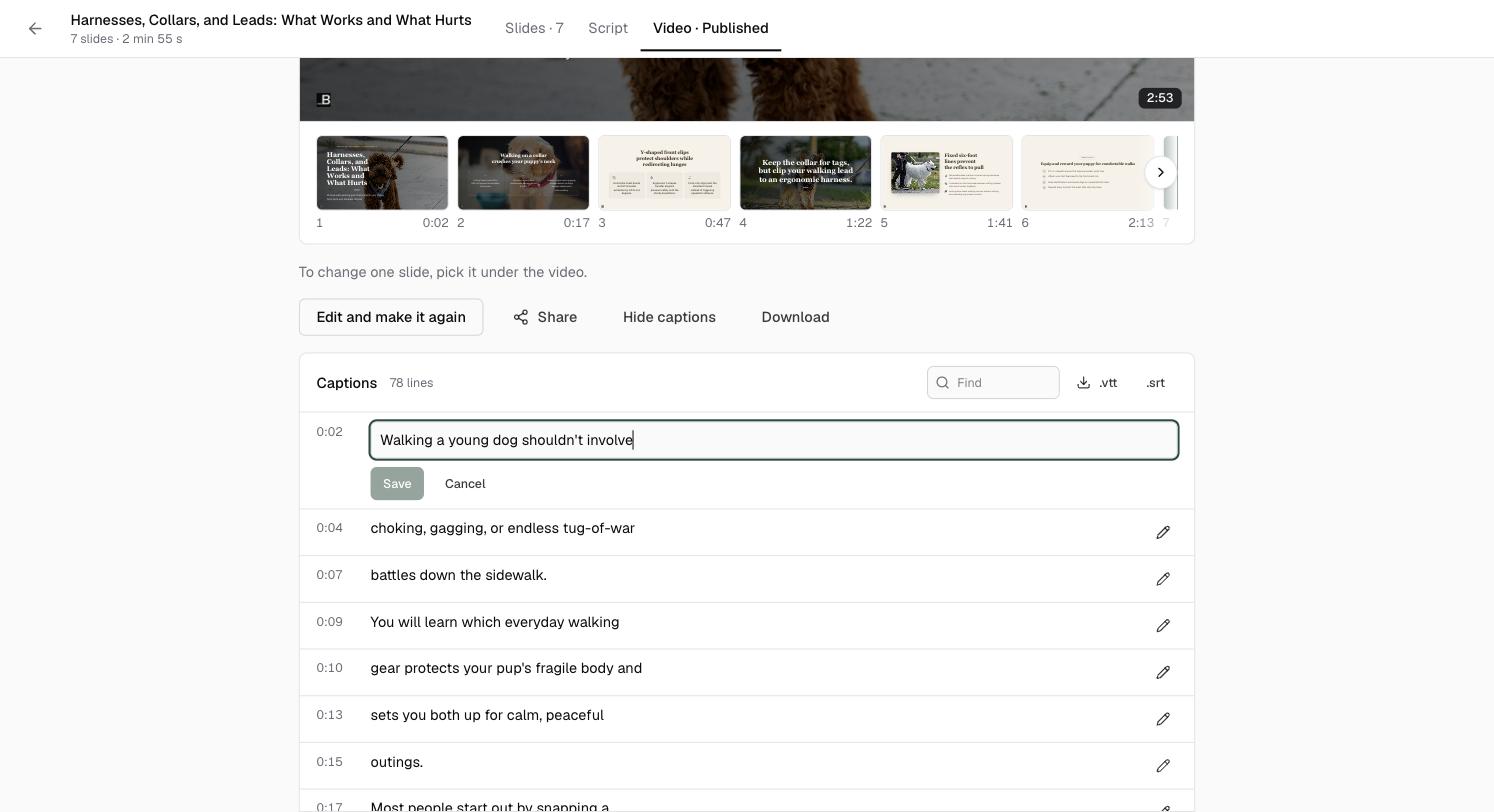
What a fix changes
As the panel says, "A fix changes what students read straight away, on every version where the words match, without making the video again. The voice doesn't change: to change what's said, edit the script."
If the narrator said the wrong thing, fix it in the script instead and make the video again: see How to edit a narrated video and make it again.
Download the captions
Click .vtt or .srt to download the captions as a file, for YouTube or another player.
Does fixing captions cost anything?
No. Caption fixes are free and do not make the video again.
Do students see captions?
Yes. Captions show on the video for every student who turns them on, and your fixes show straight away.
What about captions on a video I uploaded myself?
Uploaded videos get a transcript and captions automatically. See How to get transcripts & captions on every video.